SQL Script Mode
SQL Script Mode
This configuration only works for Azure SQL and MS SQL Server configured as a data source
This mode allows users to write custom SQL queries, providing greater flexibility in data retrieval. Instead of being limited to selecting tables and fields in a structured manner, users can directly define the extraction logic using an SQL script. With SQL Script Mode, you can:
- Perform advanced SELECT queries
- Use JOINs across multiple tables
- Apply complex filters with WHERE
- Incorporate SQL functions, aggregations, and custom logic
This allows you to tailor data extraction to specific business needs and optimize how data is retrieved from the source.
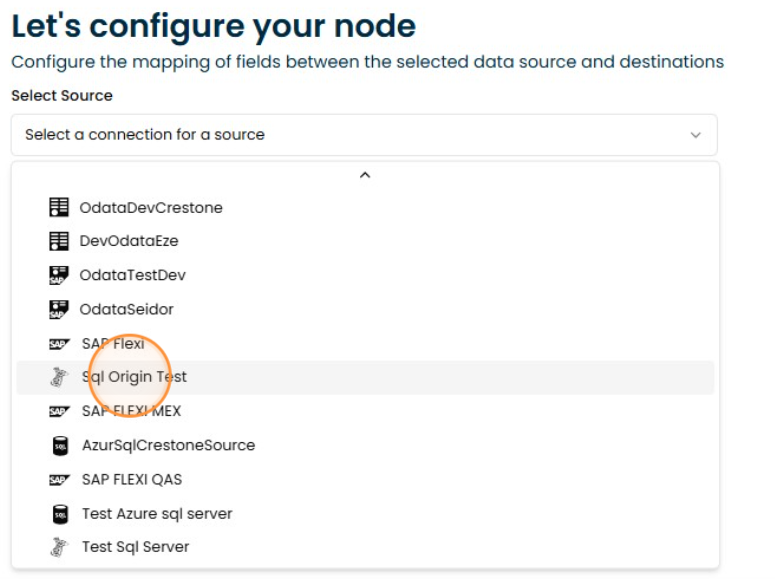
1. Select SQL Script Mode
Click and select the SQL server or Azure SQL connection type
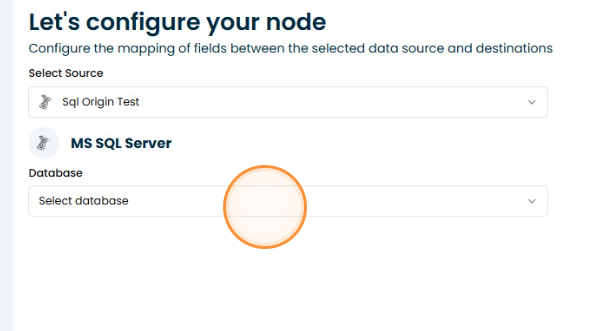
2. Click "Select database"
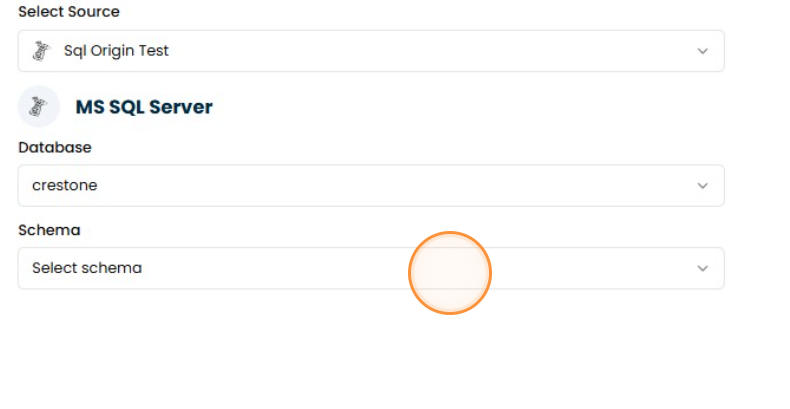
3. Click "Select schema"
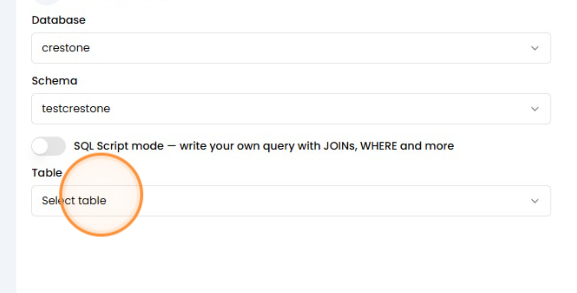
4. Select table
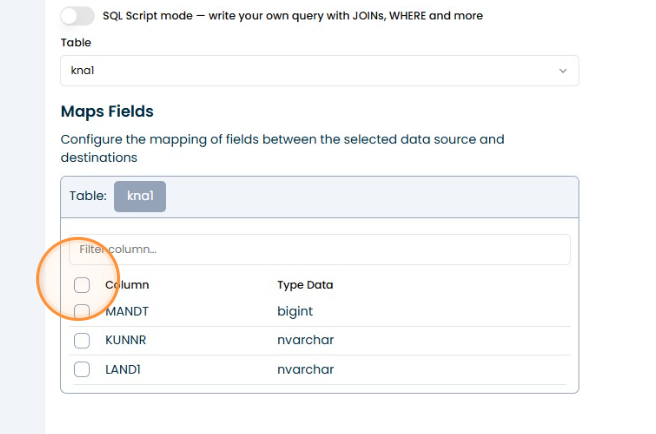
Here we have two flows: search table and select field
5. Select fields
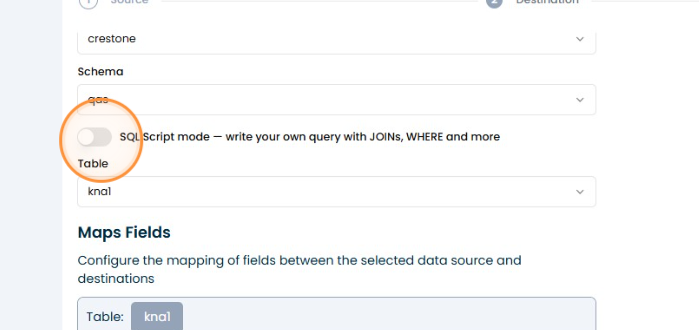
6. SQL Script Mode
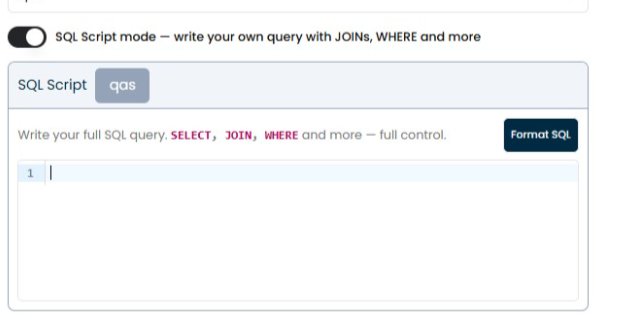
The other flow is using SQL script mode, which allows flexibility to perform queries as needed.
7. Write your query
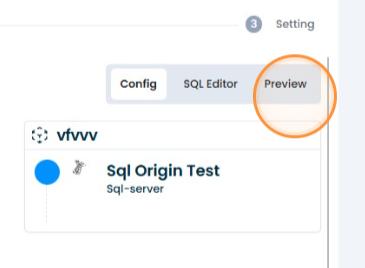
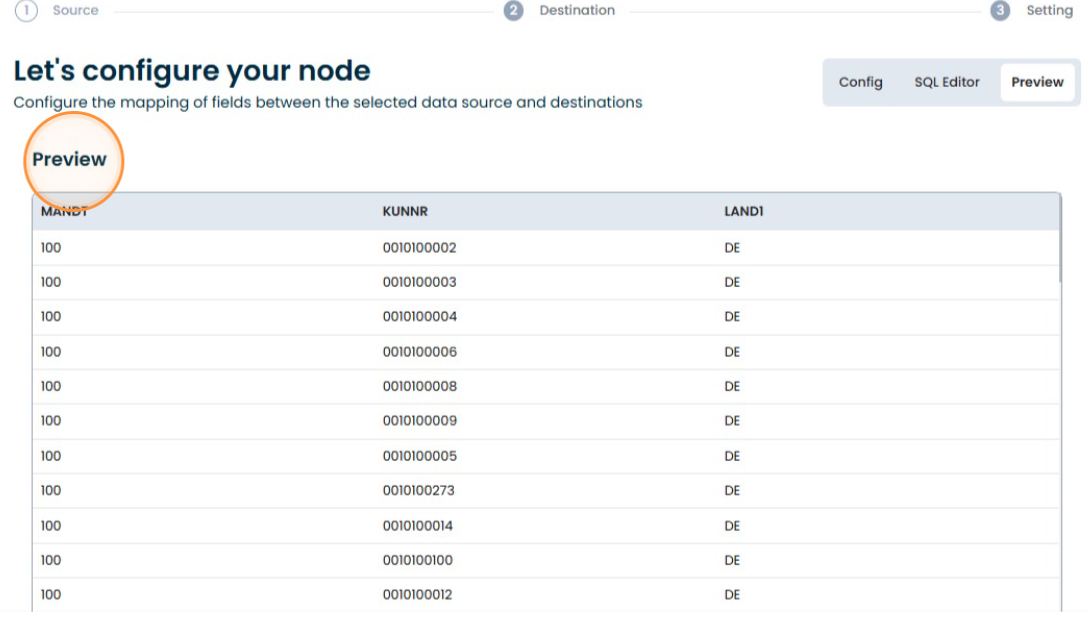
8. Preview
Click "Preview" to see the results of your query
9. Done
Click "Next" to continue