SAP ABAP
SAP ABAP
How to create a source with SAP ABAP
In this guide, you’ll learn how to connect to custom SAP ABAP systems. It covers the required settings to access user-defined reports, Z-tables, and other ABAP-based resources, enabling deeper data extraction from legacy or customized SAP implementations.
1. Select the source type:
- Select the "SAP ABAP" option for the source type.
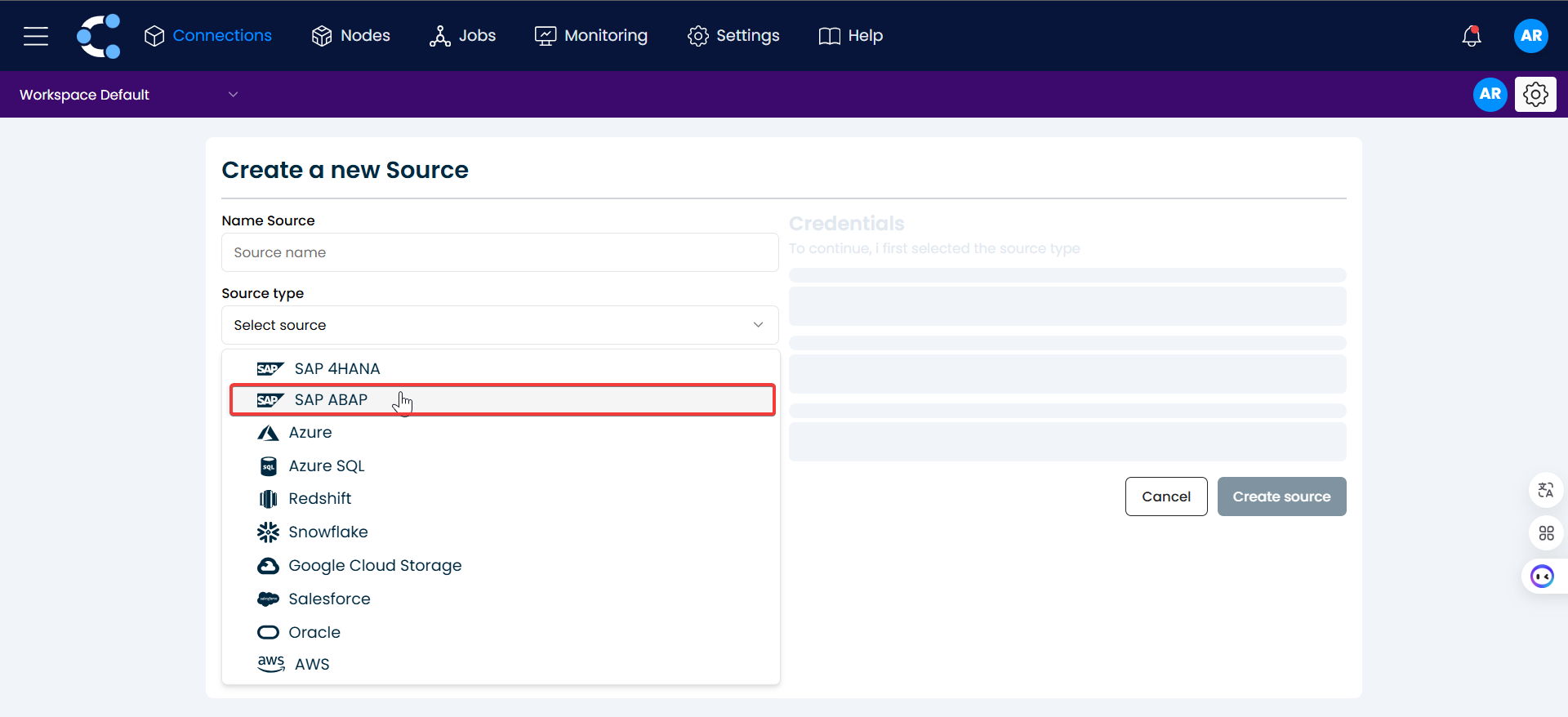
2. Enter SAP ABAP credentials:
You will be prompted to enter the credentials needed to connect to your SAP ABAP system.
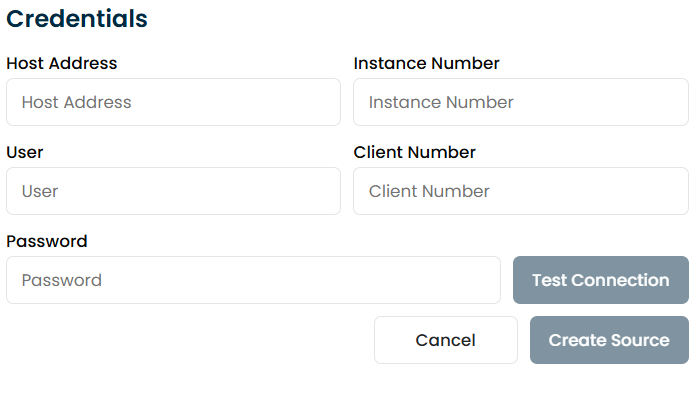
Host Address:
- Enter the host address of the SAP ABAP system. This is typically the IP address or DNS name of the SAP server. You can obtain this from the system administrator or from the SAP system's network settings.
Instance Number:
- Enter the instance number assigned to your SAP ABAP system. This is a 3-digit number (e.g., 00, 01) used to identify the SAP system instance. You can find this in the SAP GUI or ask your system administrator for this value.
User:
- Enter the SAP username you use to log in to the SAP system. Ensure that the username has the necessary permissions for accessing the system. This can be the same username you use to log in via the SAP GUI. If you don't have one, contact the system administrator to create or provide it.
Client Number:
- Enter the client number for the SAP system. This is typically a 3-digit number (e.g., 100, 200) used to identify the logical client within the system. You can obtain this from the SAP GUI or ask your system administrator.
Password:
- Enter the password associated with the SAP username. This is the same password you use when logging into the SAP system.
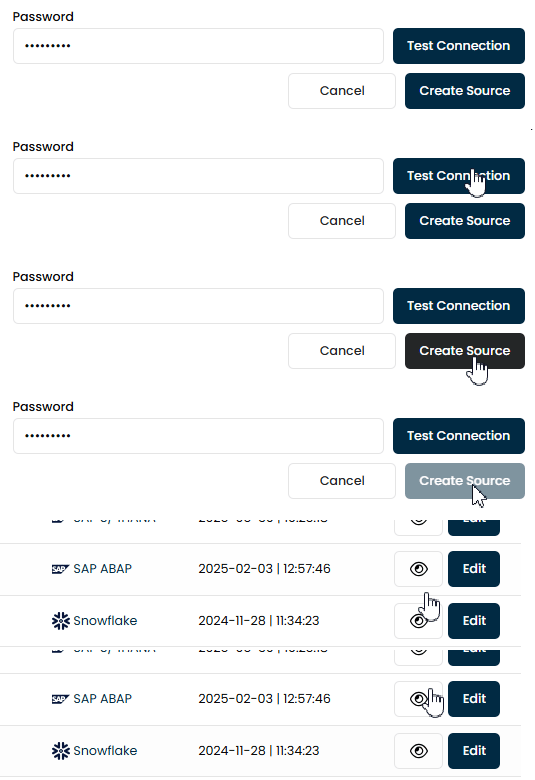
3. Test the connection:
- Click the "Test Connection" button to verify that the connection to the SAP ABAP system is working correctly.
- If the test is successful, the system will enable additional configuration options.

4. Create the connection:
- Finally, click the "Create Source" button to establish the connection to SAP ABAP.
Connection Parameters
| Parameter | Description | Example |
|---|---|---|
| Host Address | IP or DNS of the SAP ABAP system | sap.company.com |
| Instance Number | Three-digit instance number (e.g., 00, 01) | 02 |
| Client Number | Logical client number of the SAP system (e.g., 100) | 100 |
| User | SAP user with the required permissions | abap_user |
| Password | Password of the SAP user | — (hidden) |