Attachment Files
Attachment Files
This document describes the procedure for downloading files hosted in SAP ByDesign systems and transferring them to a compatible storage configured in Crestone.
It is important to note that extracted files must be stored in a destination supported by the platform, such as AWS S3, Snowflake Storage, Google Cloud Storage, among others available in Crestone.
Selection of the OData source compatible with ByDesign
At the end of the configuration, you will find a switch that specifically enables the extraction of files from this type of source.
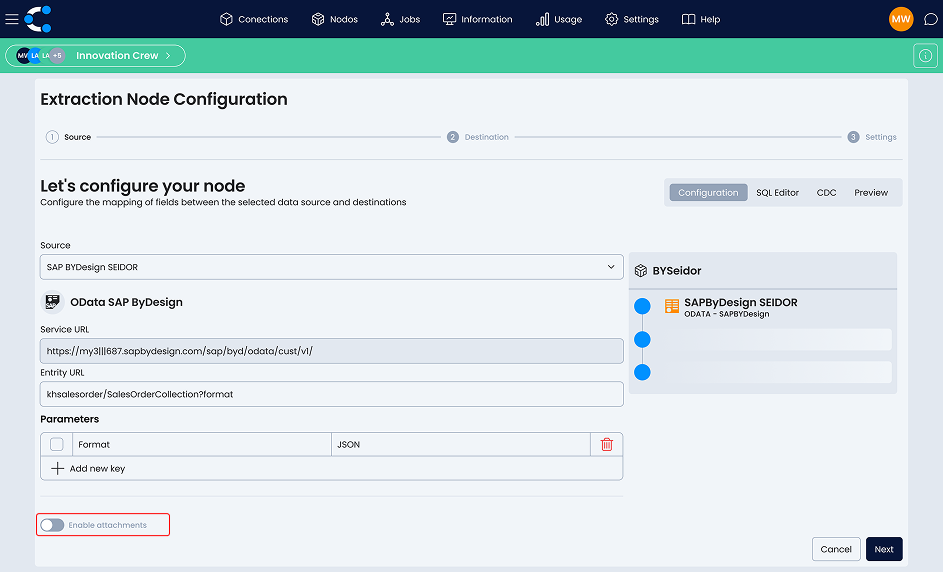
Definition of the column with the document path
Select the name of the column that contains the path where the documents are stored within SAP ByDesign. This information will be used by Crestone to correctly locate and download the files.

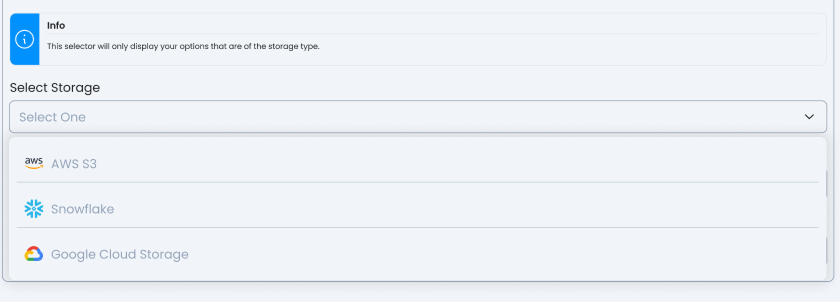
Selection of the storage destination
Select the destination storage where the downloaded files will be hosted.
This destination must have been previously configured in Crestone (for example: AWS S3, Snowflake Storage, Google Cloud Storage).
Configuration of destination details
Configure the relevant parameters of the selected destination, such as:
- Container / Bucket
- Storage path for the files.
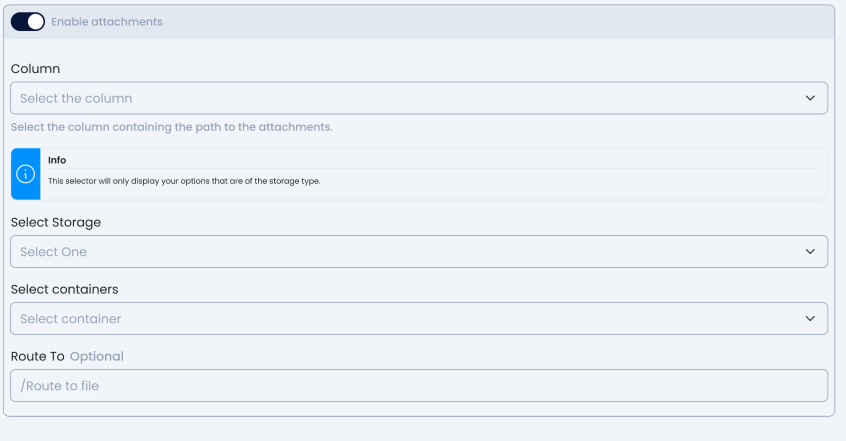
The file path is optional. If not specified, Crestone will use the default setting defined for the destination.