V 1.97.3
V 1.97.3
- Action
- Slider
All the features of this release
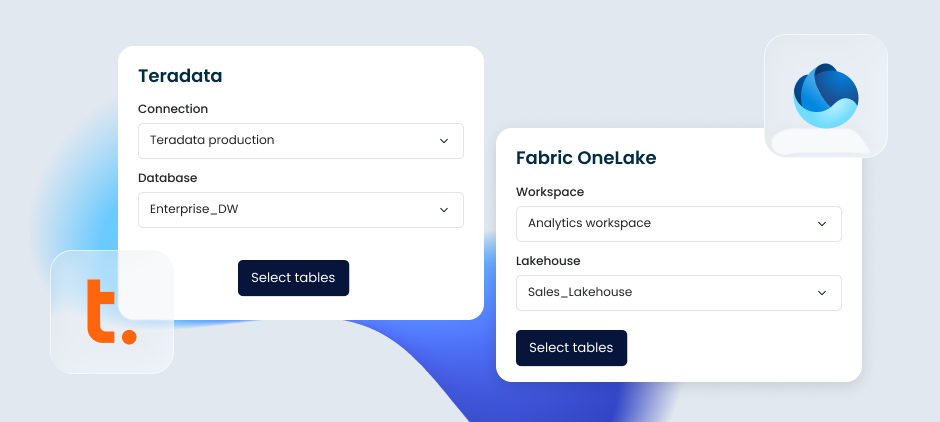
Teradata and Fabric OneLake as sources
You can now extract data from Teradata and Fabric OneLake by configuring the connection and node directly on the screen. • Teradata: Select the database, table, and columns, or write an SQL query. • Fabric OneLake: Navigate through folders to the file; Crestone detects the format, delimiter, and header, which you can then adjust. • You can preview the data before saving the node.
BigQuery as a source
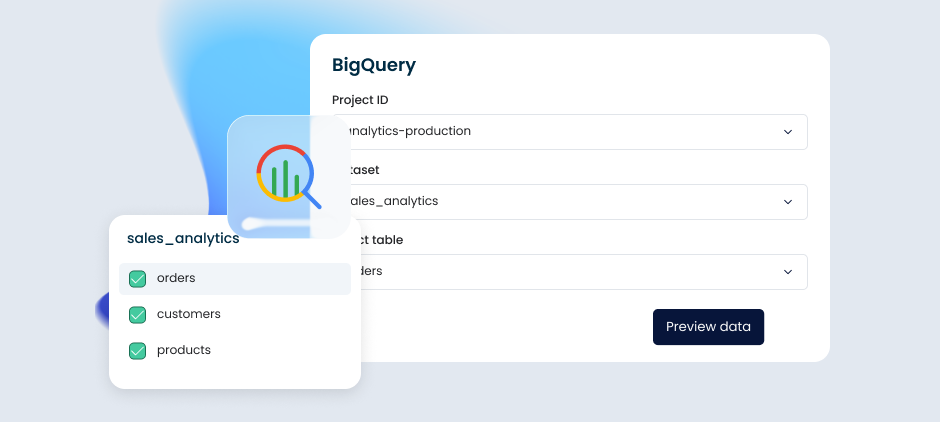
You can now read data from BigQuery and load it into any destination. • Connection is established using a service account (JSON file). • Select the dataset, table, and columns, or use a custom SQL query. • Preview data before saving.
SAP BW as a source: InfoProviders, BEx queries, and InfoObjects
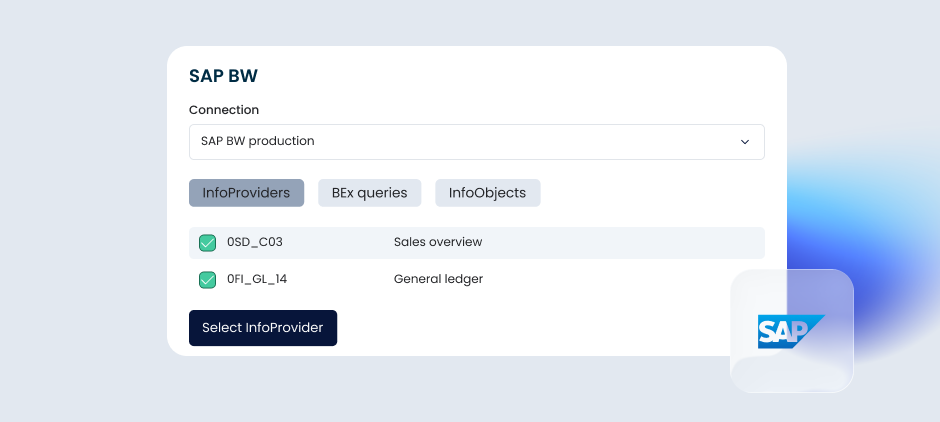
Configure three types of SAP BW extraction directly on the screen. • InfoProvider, BEx query, and InfoObject master data. • Select the fields or properties to extract and view a preview.
Salesforce as a source
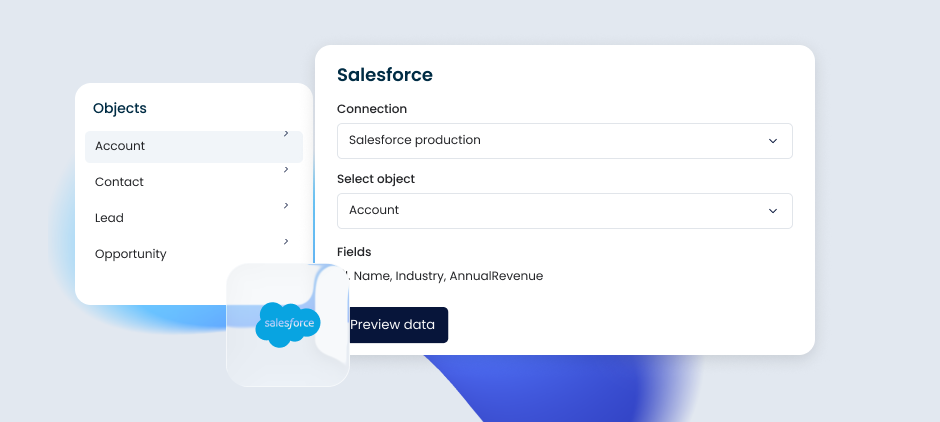
Support for Salesforce as a data source is now complete. • Choose between Production and Sandbox environments. • A successful connection test is required to create or update the connection. • Saved credentials are retained (but hidden) when editing a connection. • Source-only; it cannot be used as a destination.
Teradata and Fabric OneLake as sources
You can now extract data from Teradata and Fabric OneLake by configuring the connection and node directly on the screen. • Teradata: Select the database, table, and columns, or write an SQL query. • Fabric OneLake: Navigate through folders to the file; Crestone detects the format, delimiter, and header, which you can then adjust. • You can preview the data before saving the node.