V 1.97.7
V 1.97.7
- Action
- Slider
All the features of this release
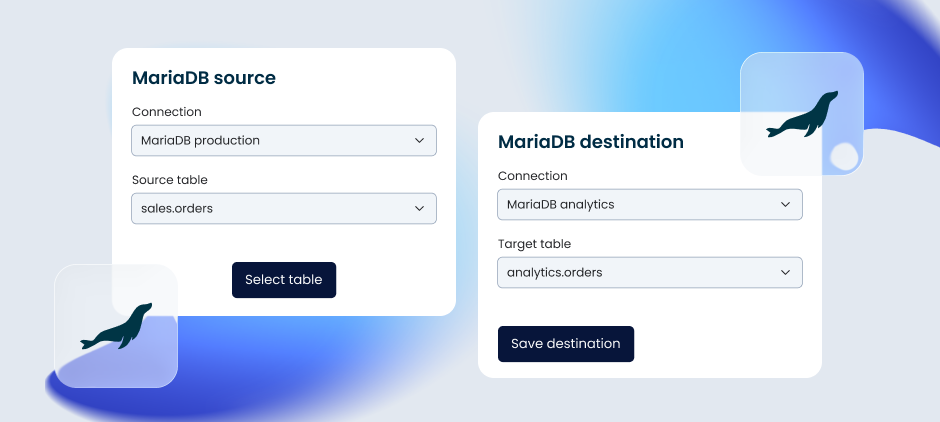
MariaDB connector (source and destination)
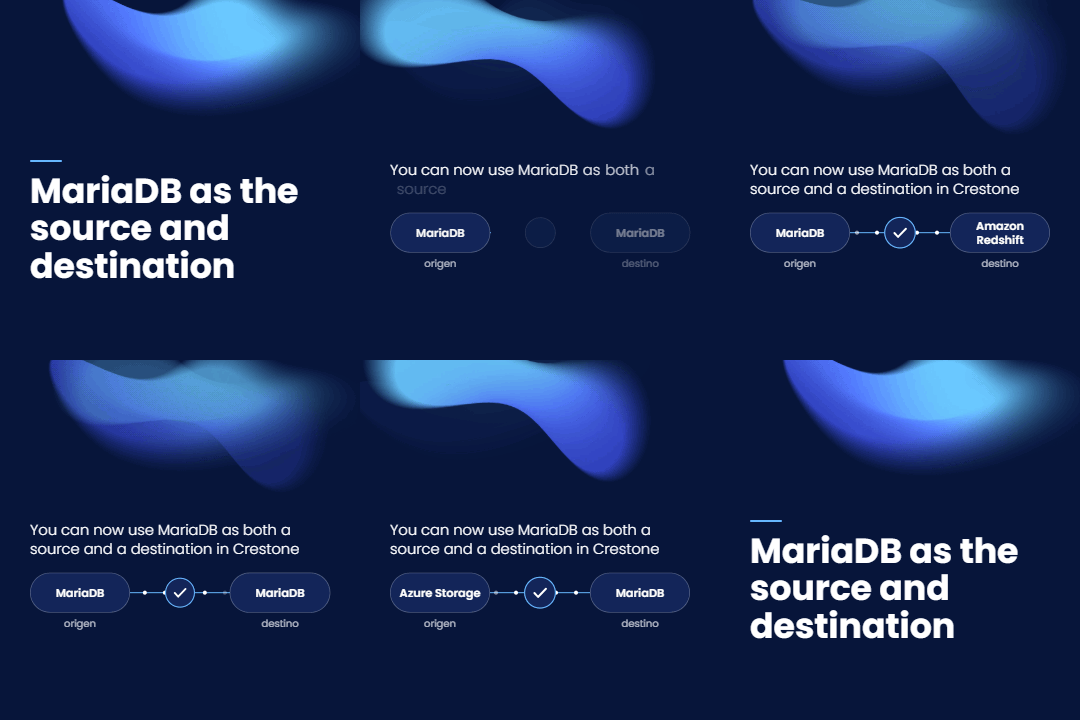
You can now use MariaDB as a source and as a destination for your nodes, configuring everything directly from the screen. • Create and manage the connection as a source and as a destination. • Configure nodes that read from MariaDB or load into MariaDB. • Preview the source data before saving the node.
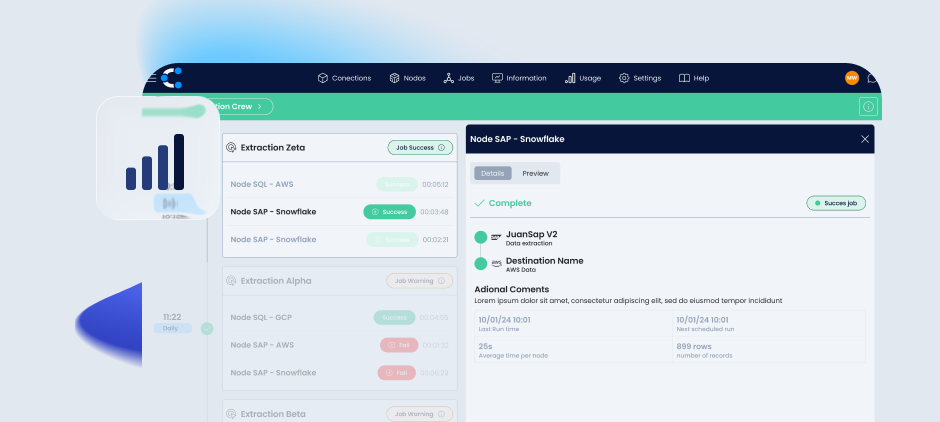
Monitoring: node detail panel with destination preview
Selecting a node on the Monitoring performance screen opens a side panel with its information. • Details and Preview tabs, with full-screen mode and closing with the Esc key. • Destination preview: see the first 10 rows of what was loaded (tables and files). If the execution split the load into several files, you choose which one to view, and you can refresh. • Compare with the source: query the source with the same configuration used by the execution, and show 10 rows to compare. • Tables allow you to change the column width.
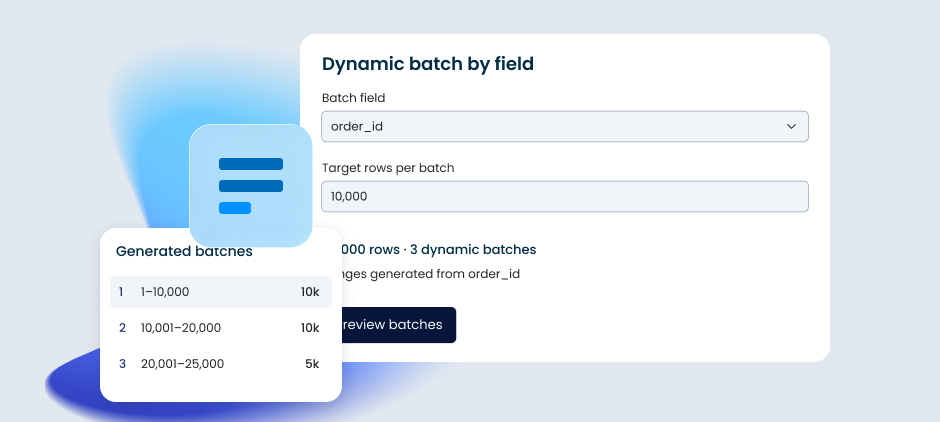
Dynamic batch by field extraction
Two new ways to define ranges, so you no longer have to update them by hand. • Dynamic date: the upper limit ("To") is calculated from the current date on each execution. Available for tables and reports. • Values from a master table: search for an SAP master table, choose a field, optionally a condition, and see the resulting values. They are recalculated on each execution, instead of using a fixed list typed by hand. Available for tables and for text-type fields.
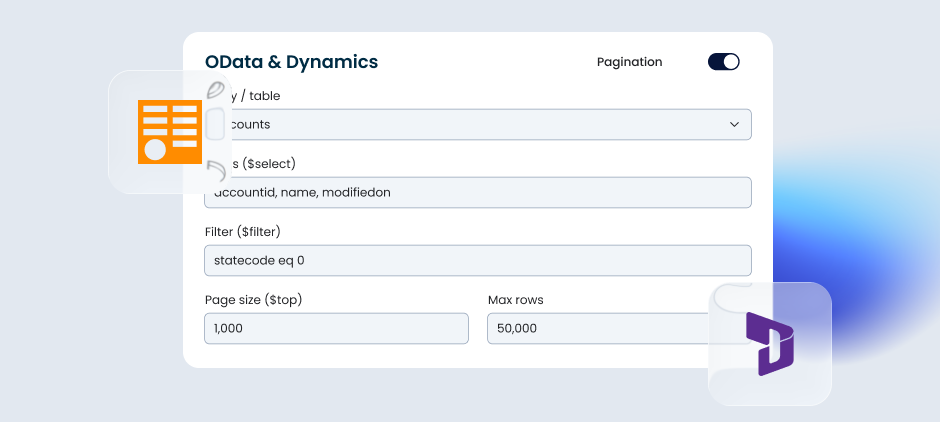
OData and Dynamics: more extraction control
• Page Size in all OData nodes: define how many records are requested per request, useful for slow services. • Maximum wait time (minutes) in OData and Dynamics nodes. • Total limit with $top: a $top in the entity URL limits the total number of records, and the extraction stops when it is reached. • SAP ODP services: paging is done by SAP, which extracts the data once and delivers it in pages, instead of repeating the extraction for each page.
MariaDB connector (source and destination)
You can now use MariaDB as a source and as a destination for your nodes, configuring everything directly from the screen. • Create and manage the connection as a source and as a destination. • Configure nodes that read from MariaDB or load into MariaDB. • Preview the source data before saving the node.