V 1.97.4
V 1.97.4
- Action
- Slider
All the features of this release
Databricks as a source
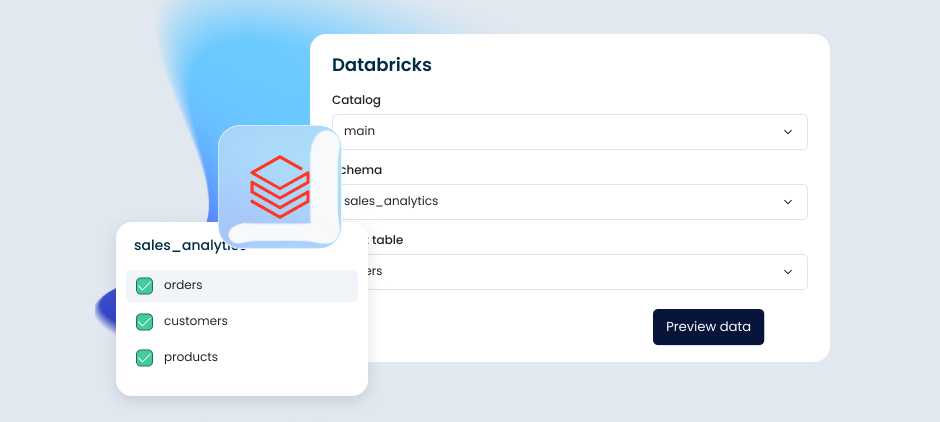
You can now extract data from Databricks and send it to any destination, configuring everything directly from the screen. • Connection: Specify the server and HTTP path, and choose your authentication method: Personal Access Token (PAT) or OAuth2. • These same two authentication methods are available when using Databricks as a destination. • Data selection: Browse by catalog, schema, table, or view, and select the columns you want to extract. • Preview: View a sample of the data before saving the node.
Databricks as a source
You can now extract data from Databricks and send it to any destination, configuring everything directly from the screen. • Connection: Specify the server and HTTP path, and choose your authentication method: Personal Access Token (PAT) or OAuth2. • These same two authentication methods are available when using Databricks as a destination. • Data selection: Browse by catalog, schema, table, or view, and select the columns you want to extract. • Preview: View a sample of the data before saving the node.