Azure SQL
Azure SQL
Learn how to connect your Azure SQL database to your platform by configuring the necessary source settings. This guide simplifies the connection process to ensure your data integration is set up quickly and accurately.
1. Select the source type:
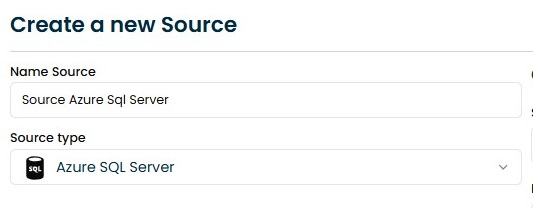
Fill the source name and select the Azure SQL option from the source type dropdown menu.
2. Configure the connection:
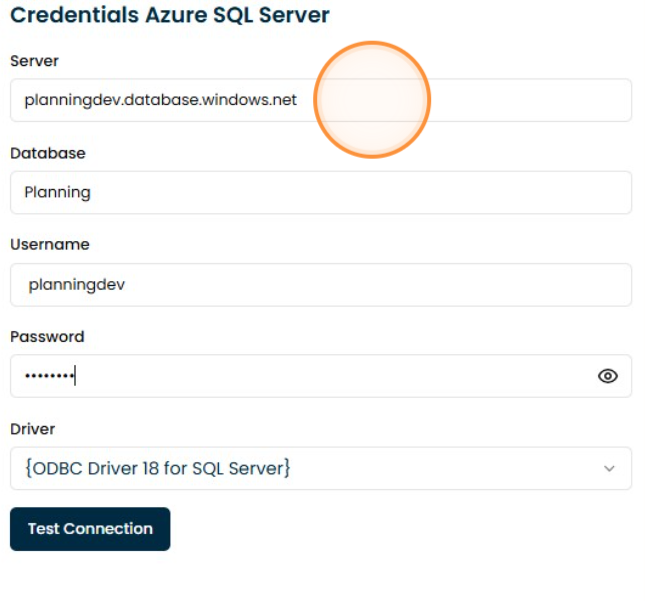
Fill the connection settings:
3. Test the connection:
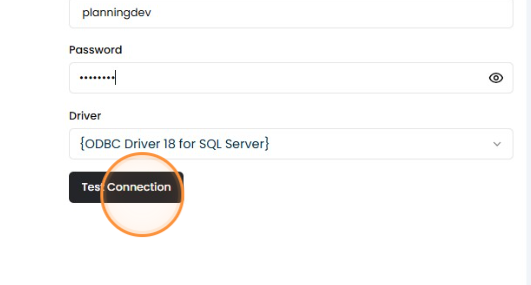
Click the "Test connection" button to verify that the connection is working properly.
4. Save the connection:
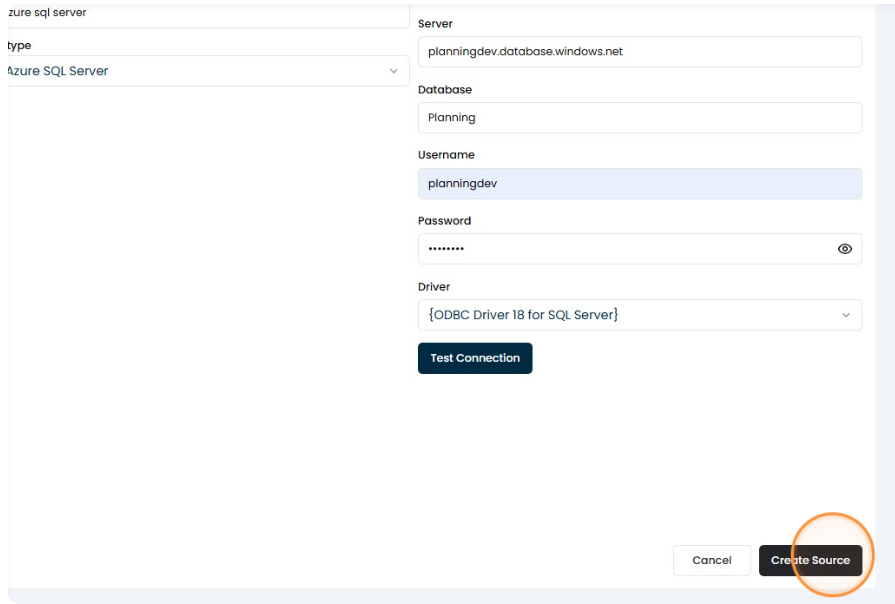
Click the "Create Source" button to save the connection.