Stage
Stage
Stage Destination Configuration
The Stage destination allows you to export data as files into a storage layer such as
This option is ideal when working with raw or semi-structured data and supports integration with data lakes or batch pipelines.
Once the node is configured (linking a compatible source with a stage-compatible destination), the export is performed by executing a Job manually.
1. Select a Compatible Destination
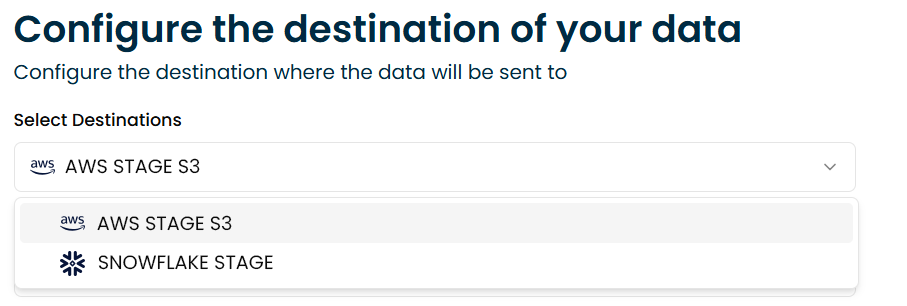
Choose a destination that supports staging, such as:
2. Choose the File Format
Select how the data should be exported:
- CSV: Flat, readable format, ideal for interoperability.
- Parquet: Columnar format, optimized for analytics and large-scale processing.

3. Define a Target Path (Optional)
Specify the path or folder inside the storage destination where the file should be written.
If no path is defined, the file will be exported to the root directory of the stage.

tip
Once the node is configured, you can include it in a Job. The export will occur only when that Job is executed.