Table
Table
Table Destination Configuration
The Table destination allows you to export data directly into structured tables, ideal for analytics, reporting, and downstream transformations. This is the preferred option when working with platforms like:
As with all nodes, you must first configure the connection between a compatible source and destination. The export will only occur when the Job is manually executed.
1. Select a Compatible Destination
Choose a destination that supports table storage, such as:

2. Set the Storage Type
In the destination settings, choose Table as the storage type under the "Select Type Storage" dropdown.

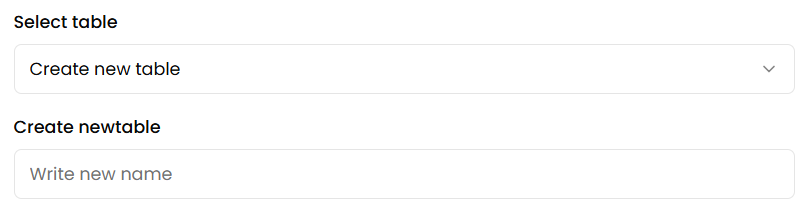
3. Choose or Create a Table

- If the target table already exists, select it from the list.
- If it doesn't exist, you can create a new one directly from the interface by defining its name and structure.
tip
Once the node is properly configured, you can include it in a Job. The data will be written into the selected table only when the Job is executed.