Batch Data
Batch Data
Introduction
Learn how to efficiently manage data batches by applying date-based filters and organizing your output files. This guide streamlines the process of splitting large datasets into smaller, manageable segments for improved reporting and accessibility.
Configuration
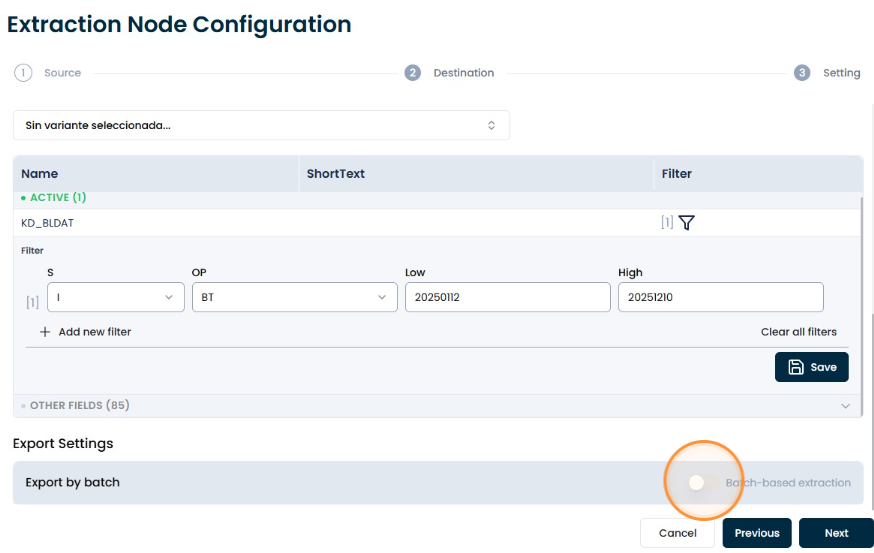
Enable this section
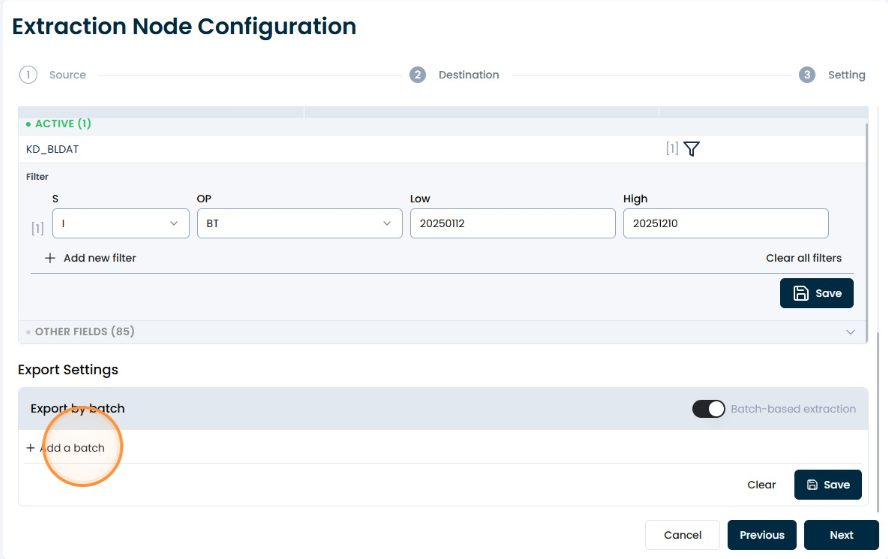
Add a batch
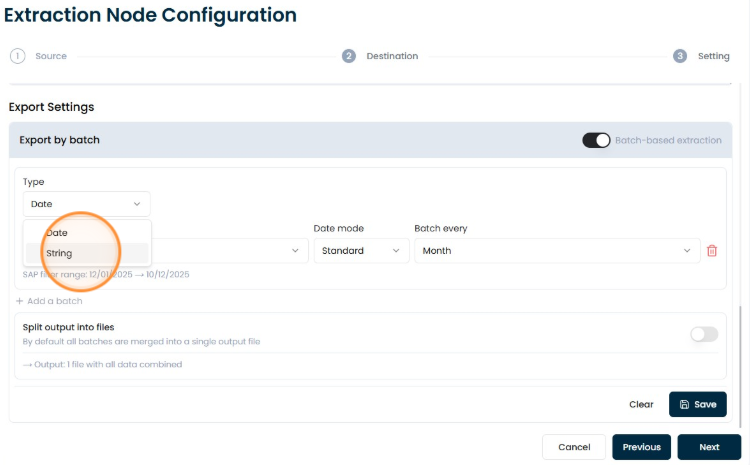
Select the “date” or “string” type
Select either the “date” or “string” type; only one batch type is allowed. You cannot combine types in this section or create two batches within the same node.
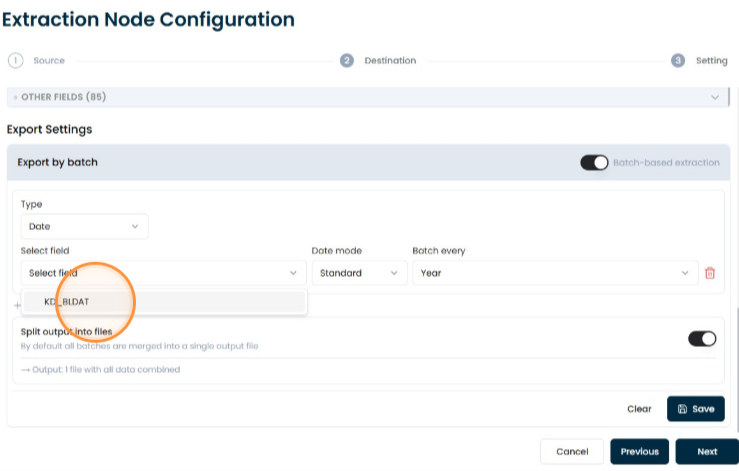
Select type of batch
- Fields
- String
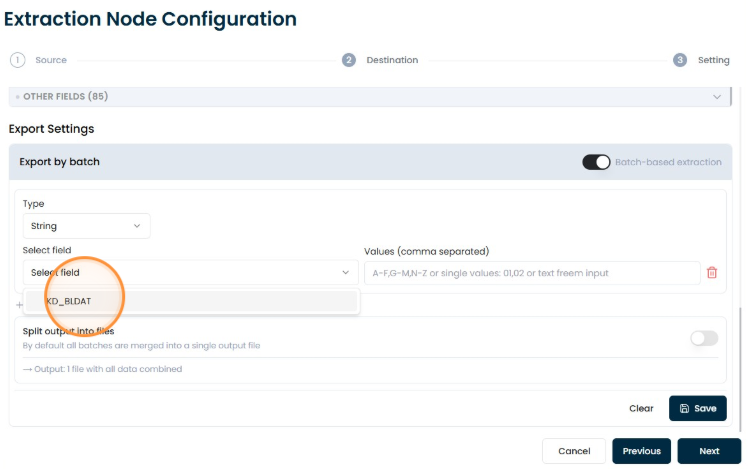
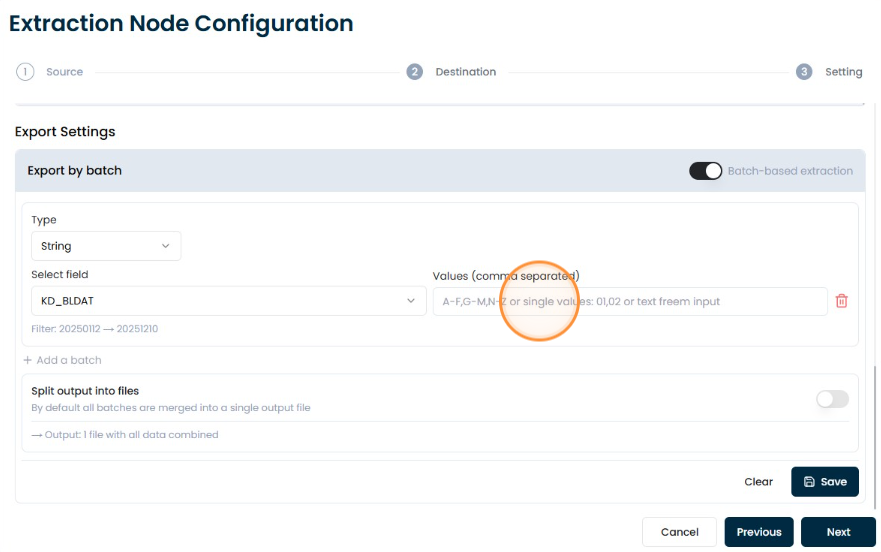
Select Fields
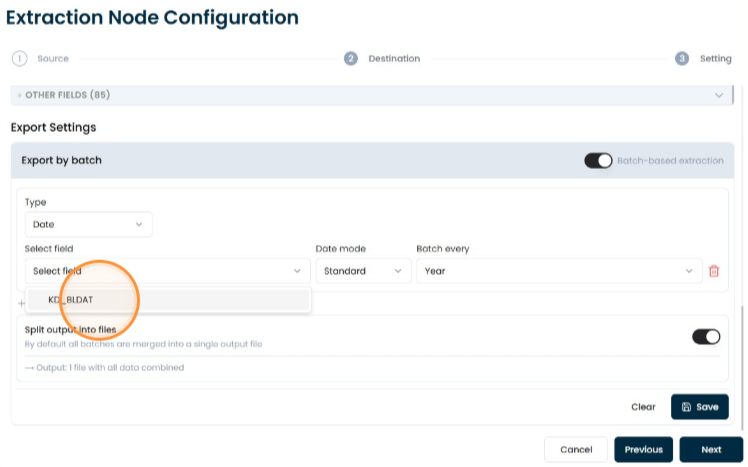
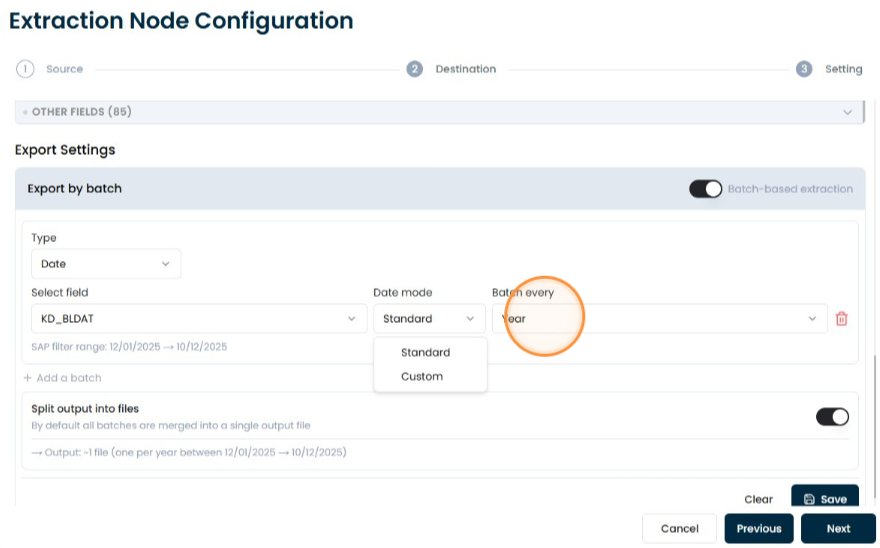
Select the batch frequency
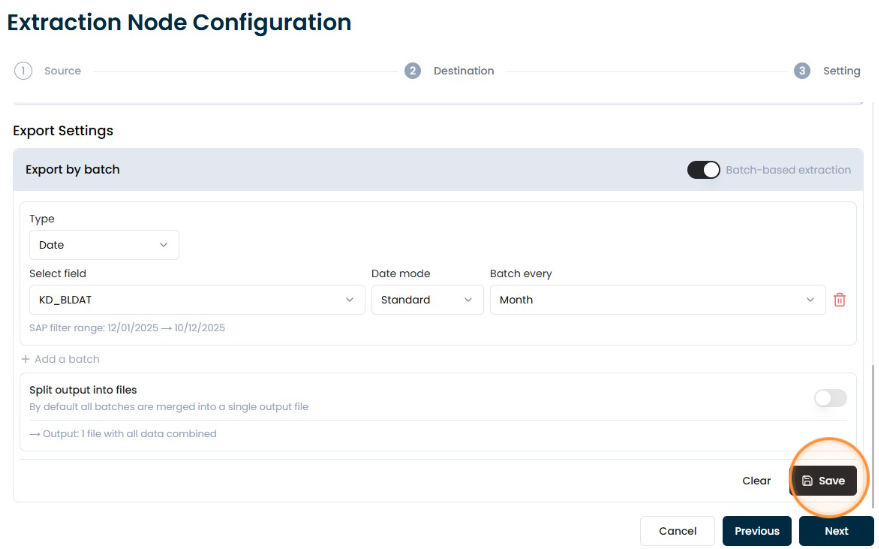
You can select the “Standard” type, which allows you to choose a range—day, week, month, semester, or year—depending on what you're looking for or the ranges set in the filter.
Enable split files
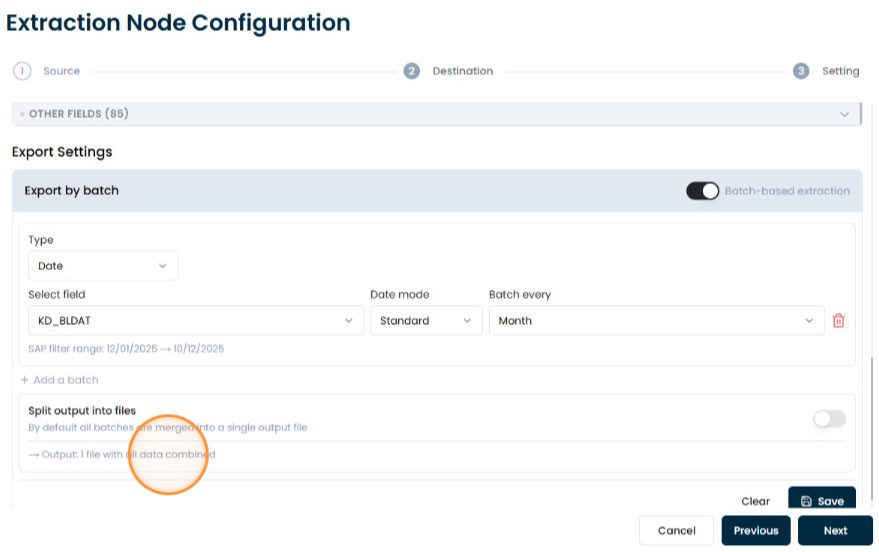
Enable splitting if the user wants the data to be saved in different files based on the range. This applies ONLY to storage-type destinations; for table-type destinations, even if this option is enabled, the next step will display a message stating that it has been disabled because the destination is a table.
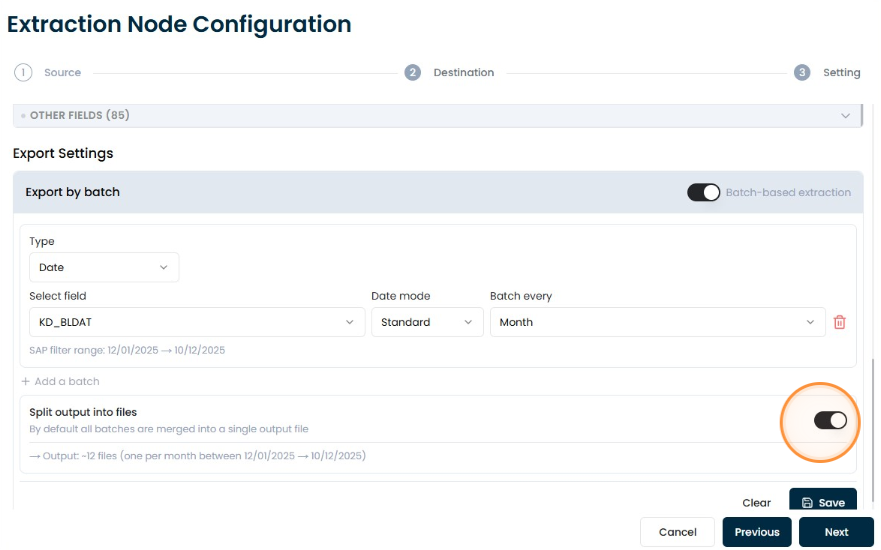
Number of files generated
Depending on what was selected in the range, it will display the number of files that will be generated.
Save