BAPI
BAPI
Configuring a Node for SAP ABAP BAPI Extraction
BAPI (Business Application Programming Interface) allows structured data access to SAP business objects. When configuring a node to extract data using a BAPI function, you define the SAP source, the BAPI function, and the parameters involved. This method is ideal when more control or structured business logic is required in the data extraction process.
1. Select a SAP ABAP Source
Start by choosing a source connection that is of type SAP ABAP. This ensures compatibility with SAP’s BAPI framework and enables access to function modules.

2. Choose the Extraction Type: BAPI
Set the node’s extraction type to “BAPI.” This signals that a function-based extraction will be performed via SAP’s remote-enabled BAPI interface.

3. Search and Select a Function
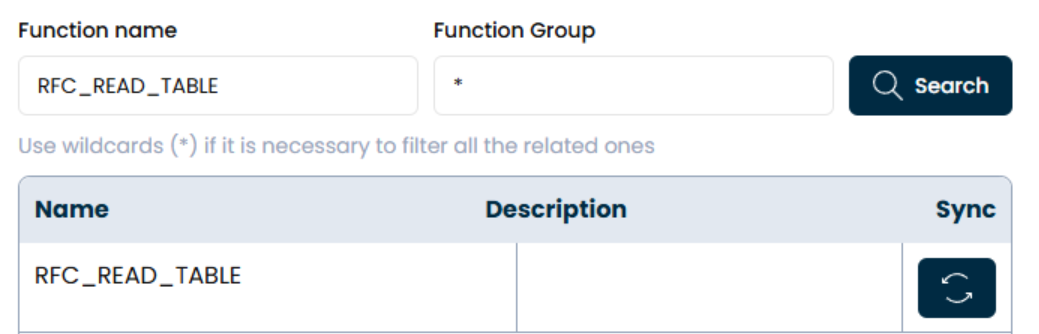
Use the function search bar to locate the desired BAPI.

- You can enter the exact name or use wildcards (*) to list related functions.
- Additionally, use the "Function Group" filter to narrow down the search results.
For example, searching with BAPI_CUSTOMER* will display all customer-related BAPIs.
4. Review and Configure Parameters
Once you select a BAPI function, the system will display a detailed structure with the following sections:
| Item | Description |
|---|---|
| Importing: | Input parameters sent into the function. |
| Exporting: | Outputs returned from the function after execution. |
| Changing: | Parameters that are both sent in and returned. |
| Tables: | Data tables passed into or retrieved from the function. |
| Exceptions: | Possible error or warning messages the BAPI might return. |
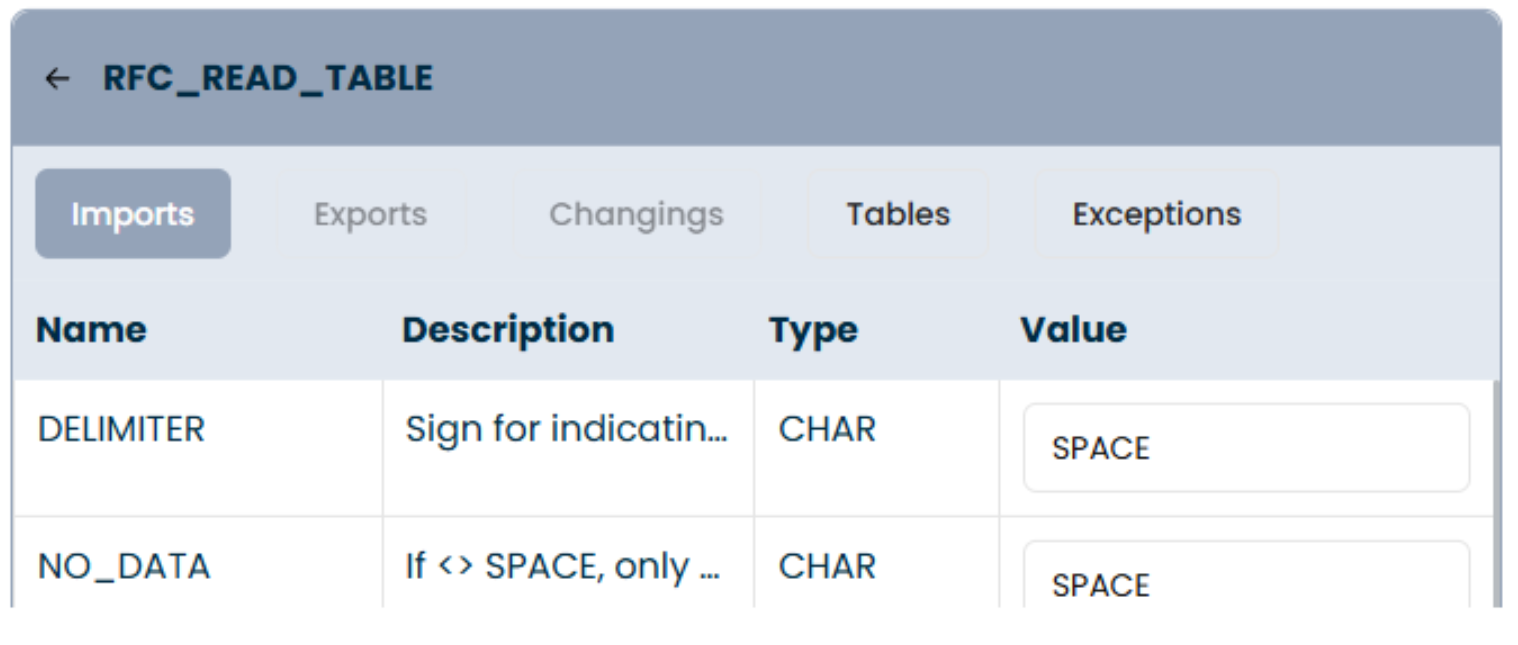
Each entry in these sections includes:
- Name
- Description
- Type
(e.g., structure, table, field) - Value (editable)
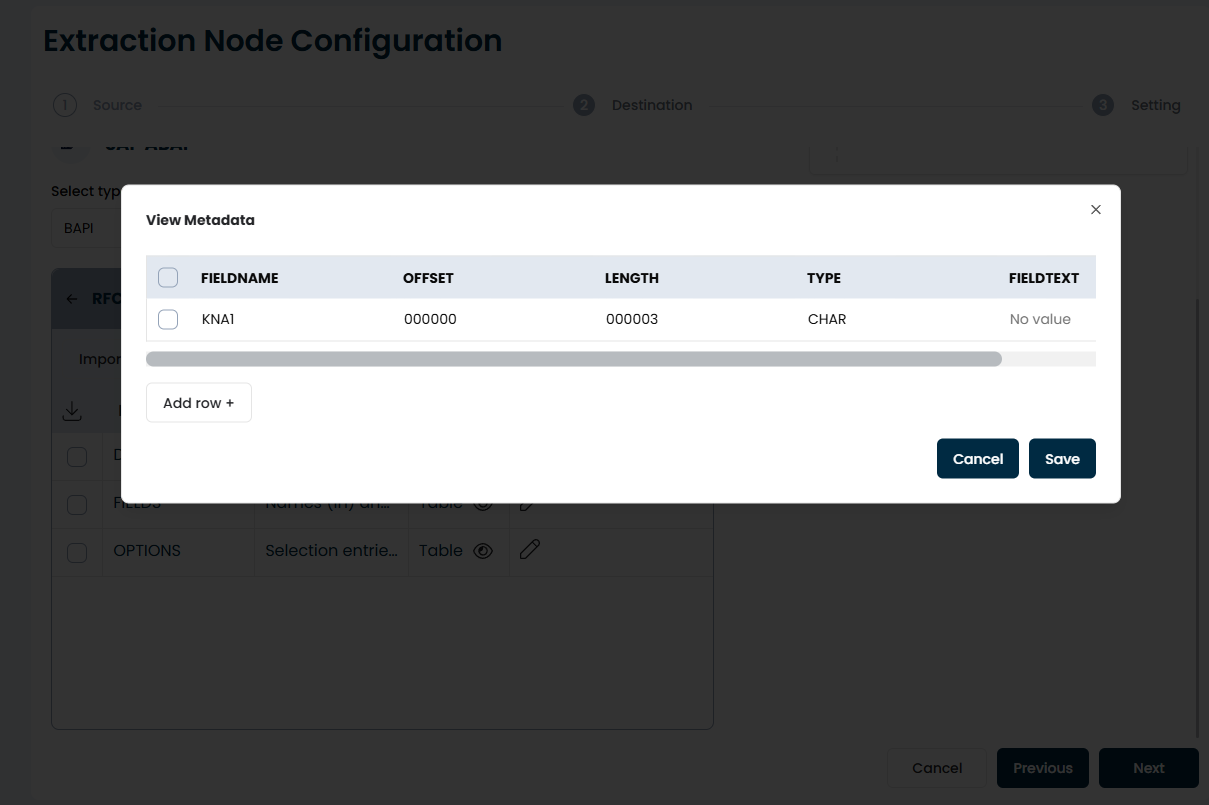
You can edit the “Value” fields to provide fixed inputs or use variables for dynamic behavior.