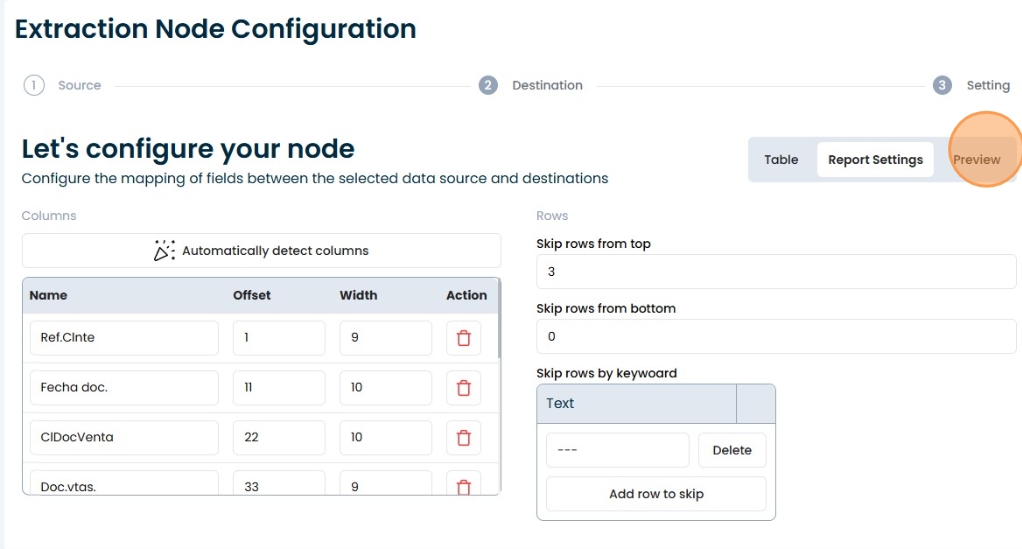
Reports
Reports
Create a Report in Extraction Node
1. Selecting an SAP ABAP system
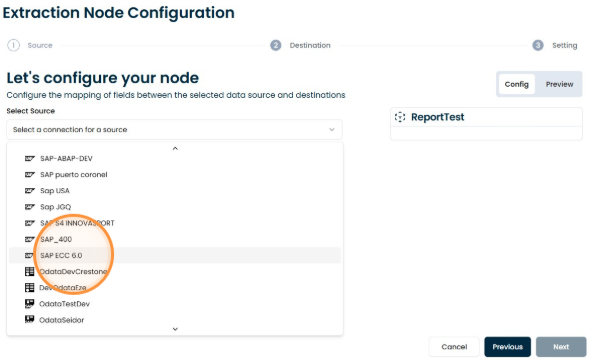
2. Select extraction type "Report".
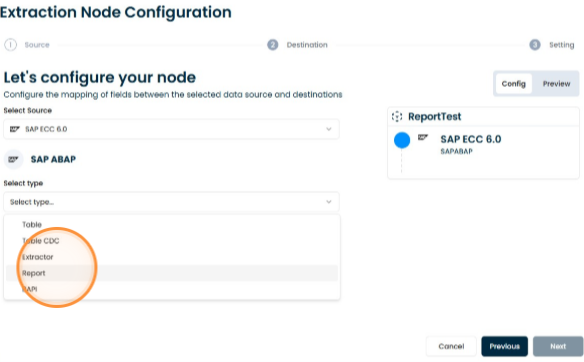
3. Select the type of transaction
Select a transaction code to search, for example: ‘va05’, or by the technical name of the ABAP program that runs behind a transaction
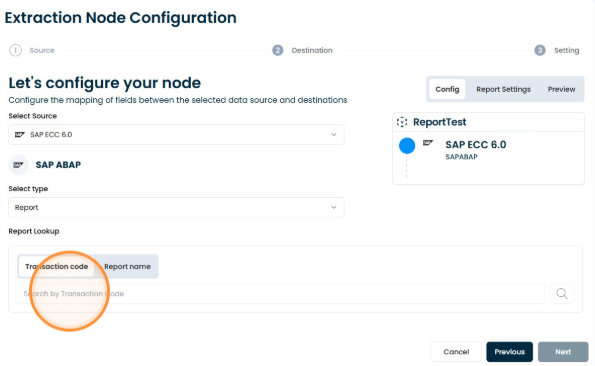
4. Select a transaction code
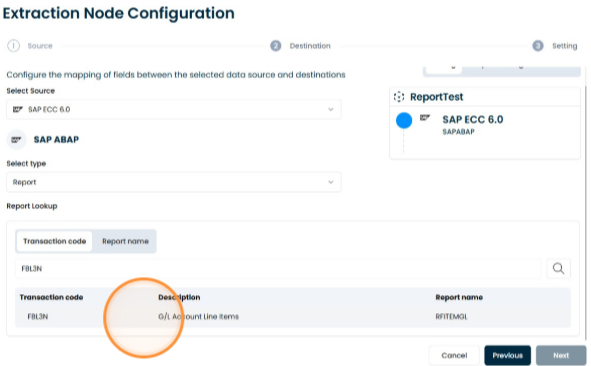
5. Select variant if necessary
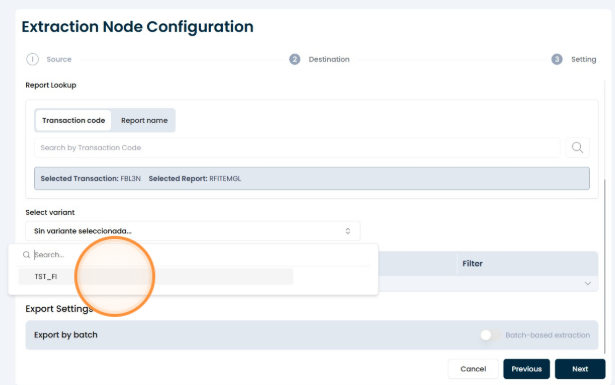
6. Click this icon.
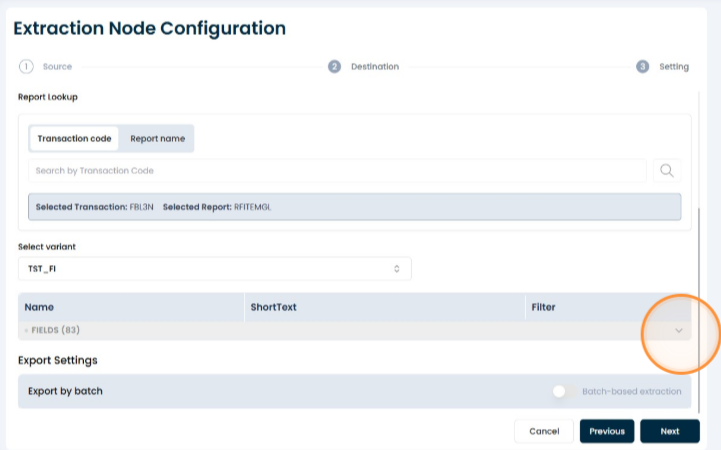
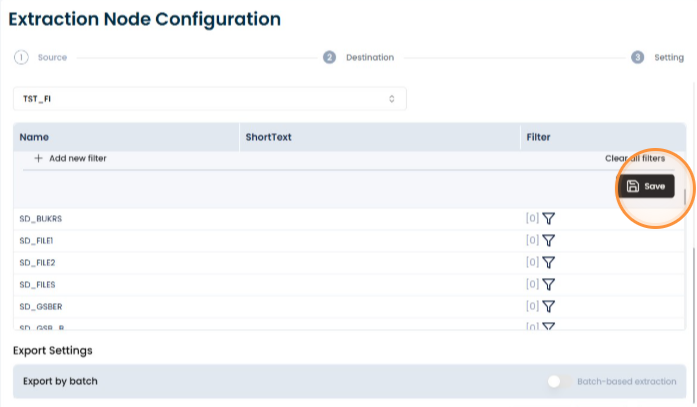
7. Select filter
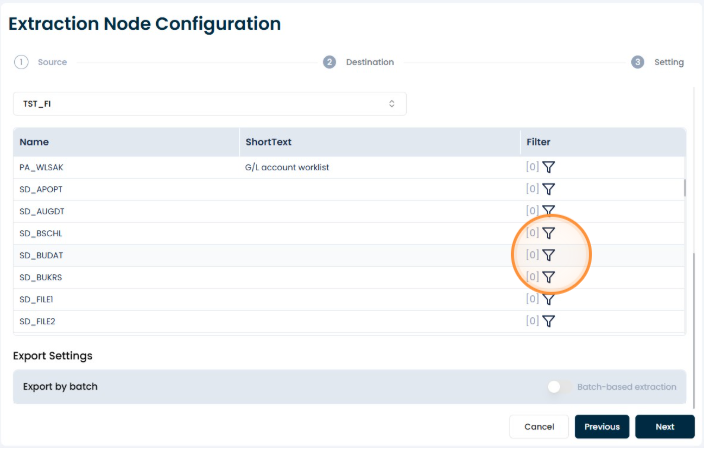
8. Fill in the filters and save
9. Go to Report Settings to detect the columns
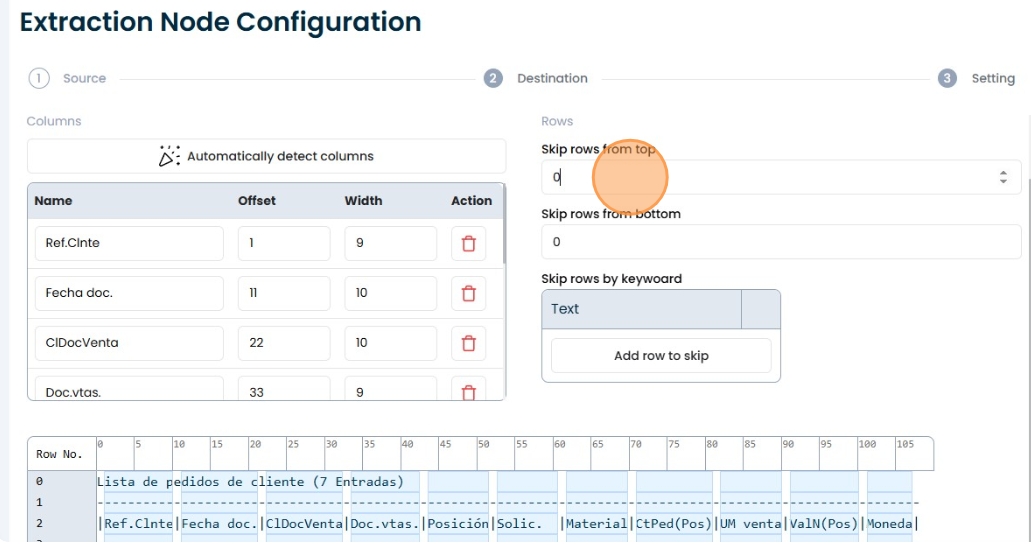
10. Click "Automatically detect columns" to set the width and offset of each column.
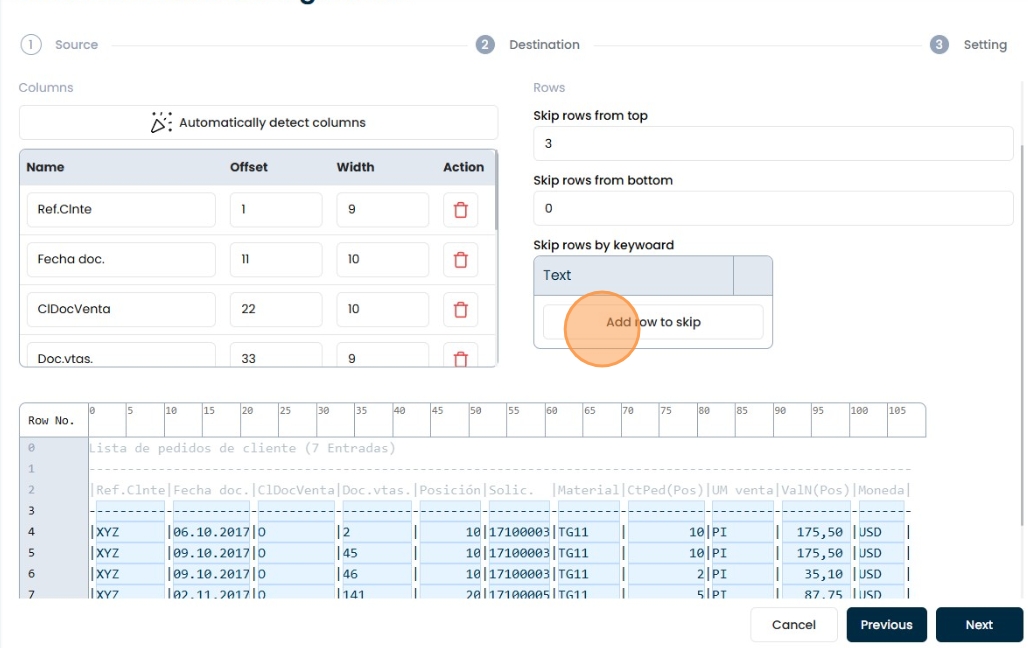
11. Establish the rows to be omitted if necessary
12. Adding a pattern to skip rows by keyword
13. Click on the confirmation button.
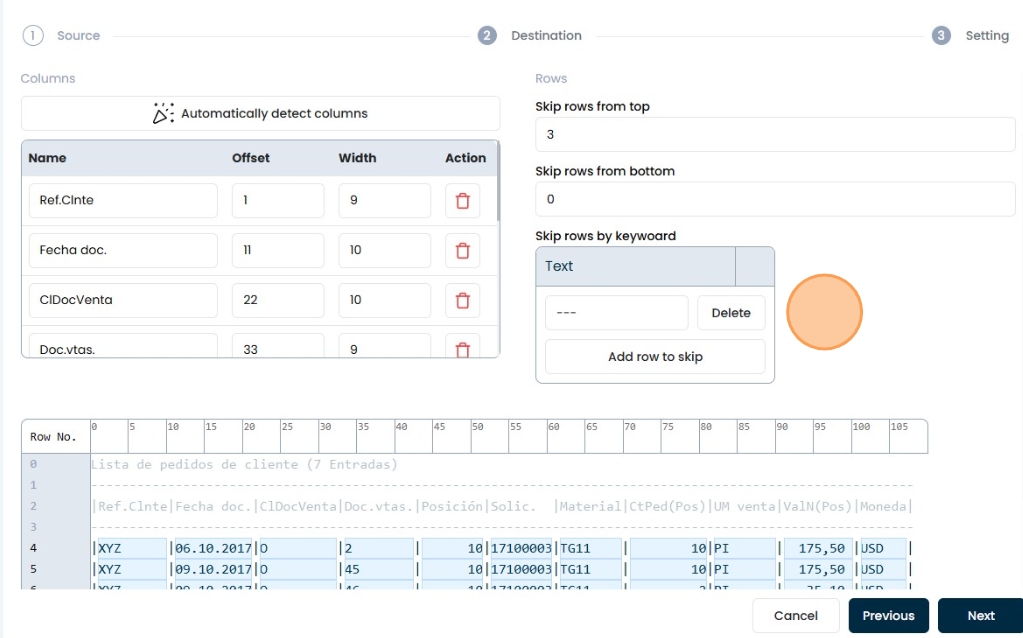
14. Go to Preview to verify that the result is as expected.