Tables
Tables
Node Configuration – Tables
Once you have added a node it is time to configure it. The configuration options will vary depending on the source system and target selected. In this section, we will focus on how to configure a node when SAP is selected as the source.
1. Select Table
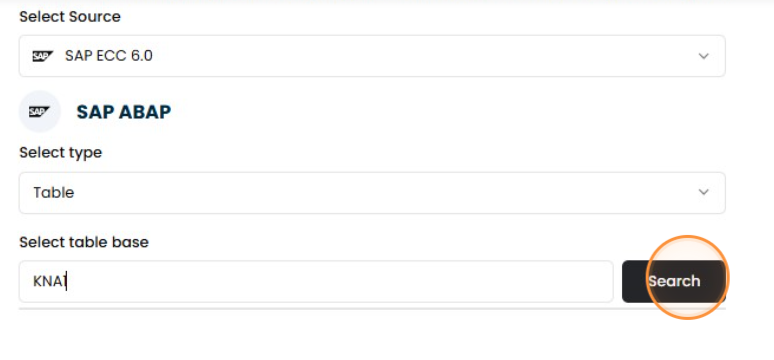
Select the “table” type, enter the table name, and click “Search” to find related results.
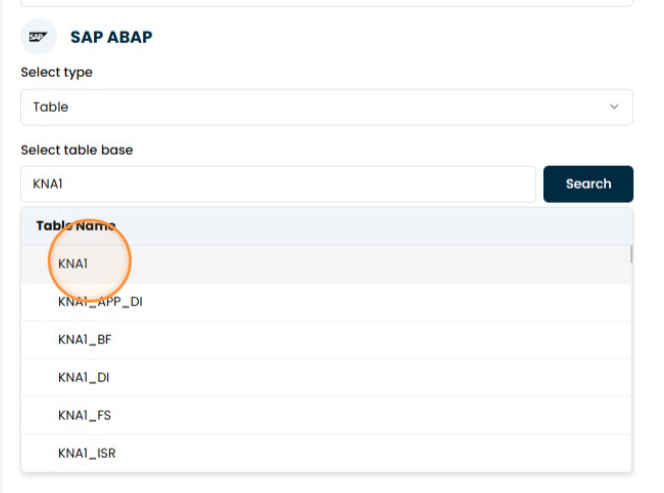
2. Select the specific table
tip
If you need to configure the nodes in more detail, we recommend you read the SQL Editor page.
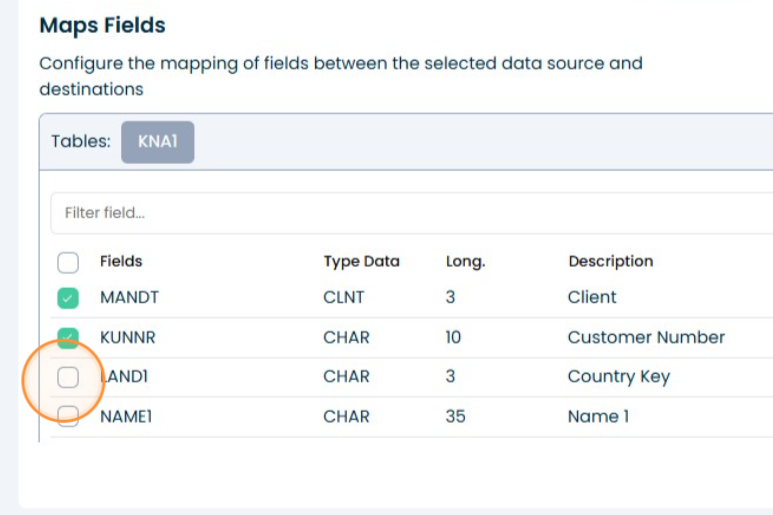
3. Select the Fields
Select the specific table.
4. Done
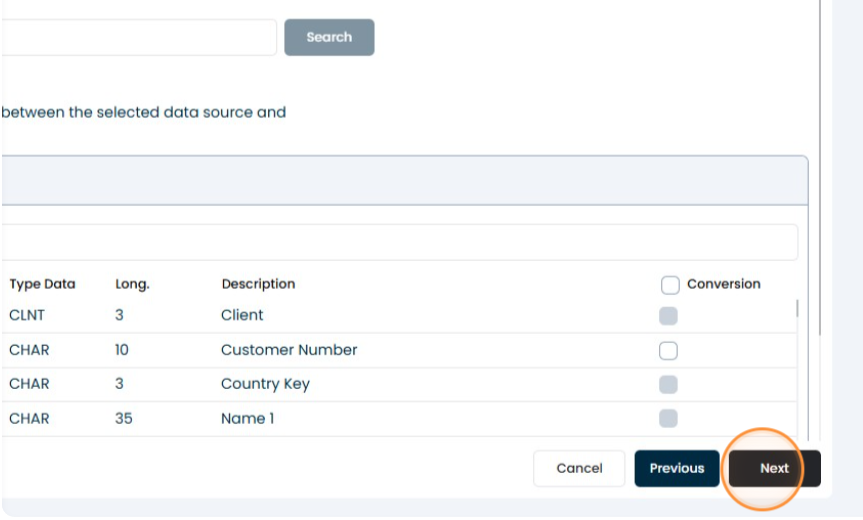
Click the "Next" button.