Alerts & Notifications
Alerts & Notifications
Crestone can notify you automatically about what happens in your workspace, without having to keep the Monitor open. Alerts are configured per workspace and are triggered by the execution engine.
Alert types
- Job failure: an execution or one of its nodes ended with an error.
- Successful completion: a job finished correctly.
- Quota consumption: your executions are consuming the record quota of your plan.
Each alert carries a severity level so you can prioritize what to review.
Notification channels
- Email: sent to the authorized recipients configured in the alert rule.
- SMS: sent to the authorized phone numbers configured in the alert rule.
- In-app: alerts appear in real time in the notification bell of the interface, without refreshing the page.
Configure an alert
1. Access the Workspace
- Navigate to Settings → Workspace.
- Select the Workspace you wish to modify.
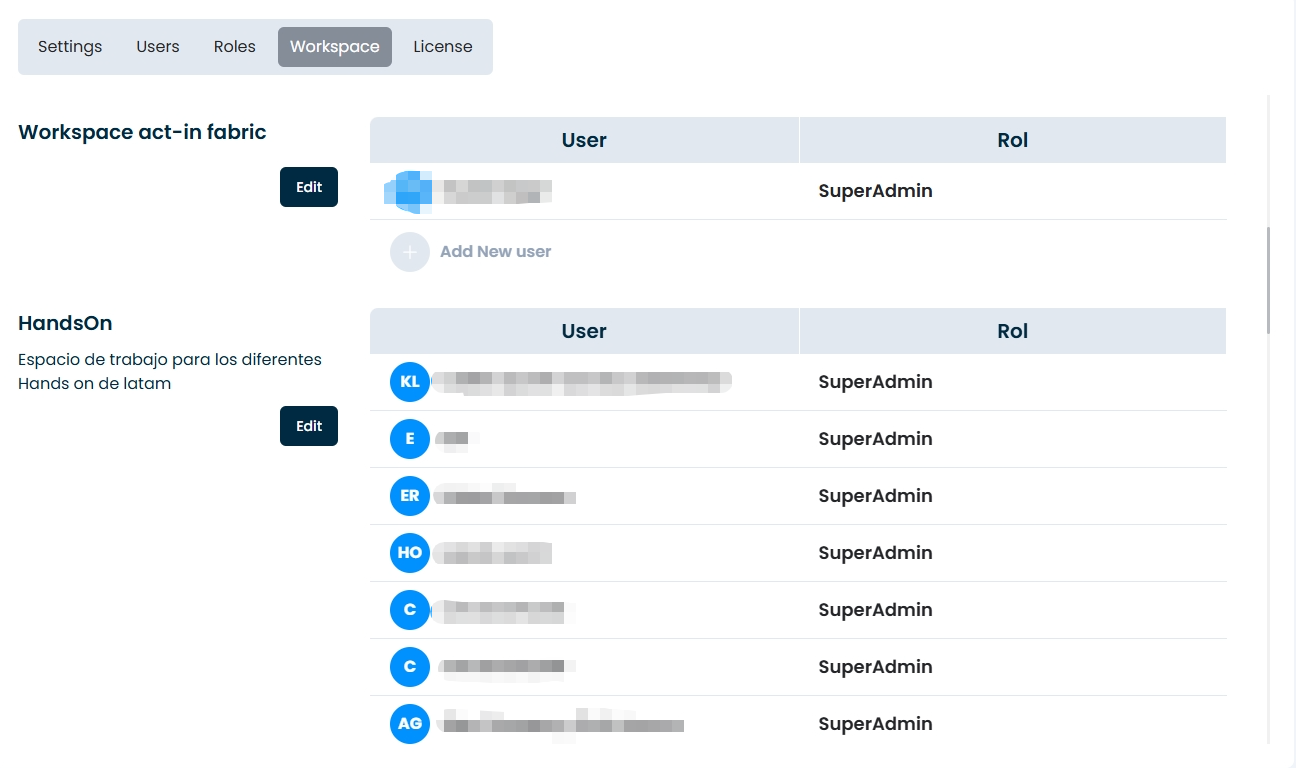
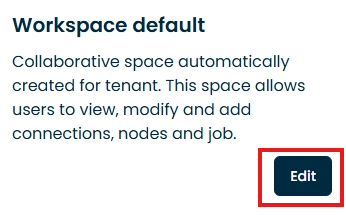
- Click on the Edit option (or pencil icon).
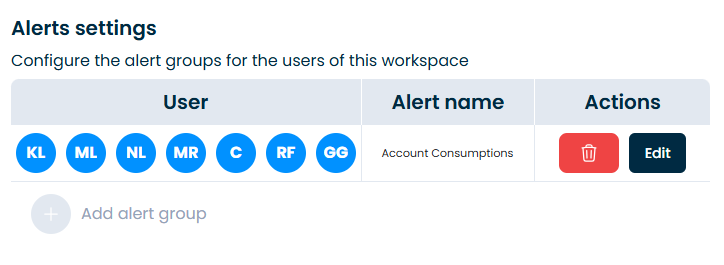
2. Configure Alert Settings
- In the workspace settings menu, select Alerts settings.
- From this section, you can create new alert configurations or edit existing ones.
Note:
Notifications can be customized per user. You can select and assign any number of recipients required for each alert.
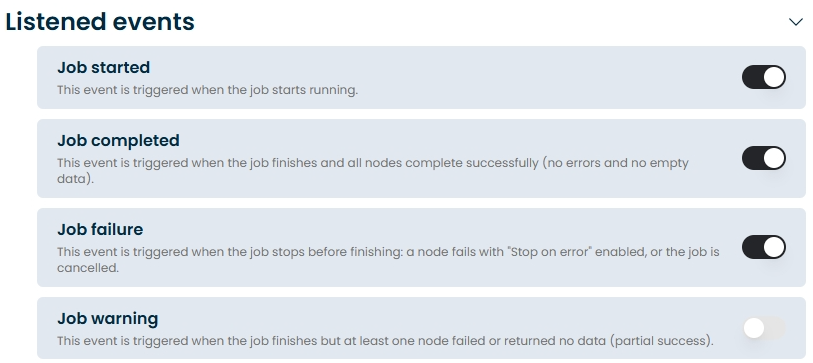
3. Enable Notification Events
Toggle the events you wish to be notified about:
- Job started: Triggered as soon as the job begins running.
- Job completed: Triggered when the job finishes successfully, and all nodes execute without errors or empty datasets.
- Job failure: Triggered when the job stops before completion (e.g., a node fails with "Stop on error" enabled, or the job is manually cancelled).
- Job warning: Triggered when the job finishes, but at least one node fails or returns no data (partial success).
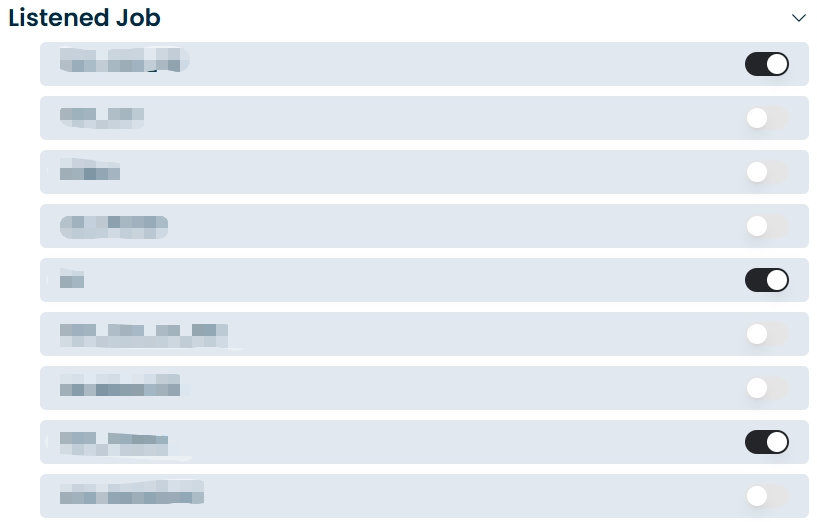
4. Select Target Jobs
Enable the specific Jobs for which you want to receive notifications.
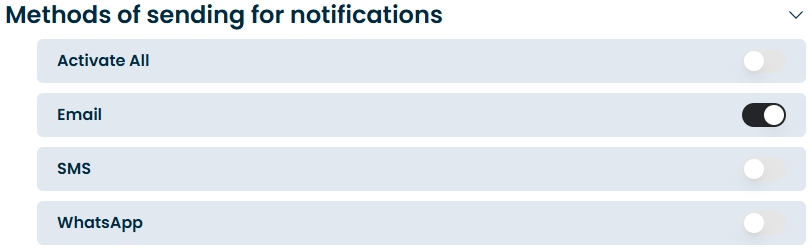
5. Select Methods of Sending
Choose the preferred delivery channels for receiving notifications:
- 📱 SMS
6. Save
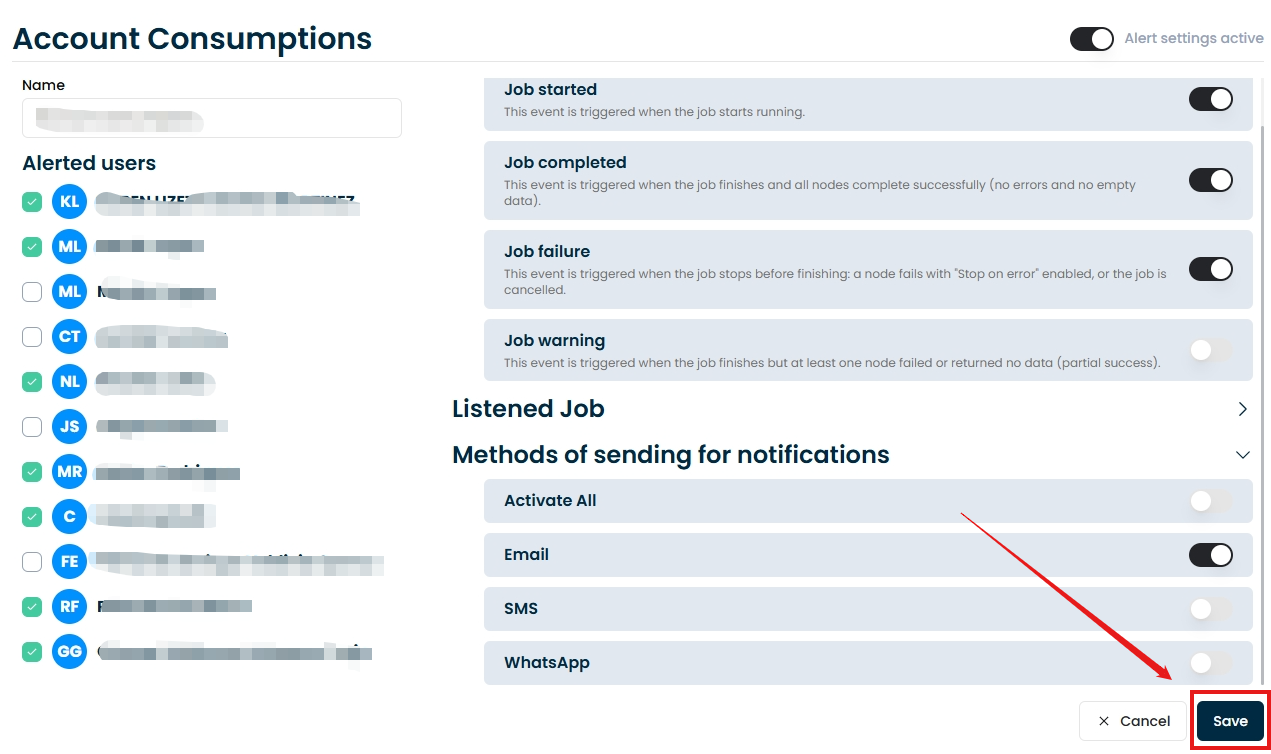
The rule is active immediately for all jobs of the workspace.
Recommended setup
- In production workspaces: alert on failures by email and SMS to the operations team, and on quota consumption to the administrator.
- In development workspaces: alert only on failures, by email.
- Keep the recipient lists short and up to date; alerts are only sent to authorized recipients.