Roles & Permissions
Roles & Permissions
Create new Role
Roles define what actions a user can perform in the system.
To create a new role:
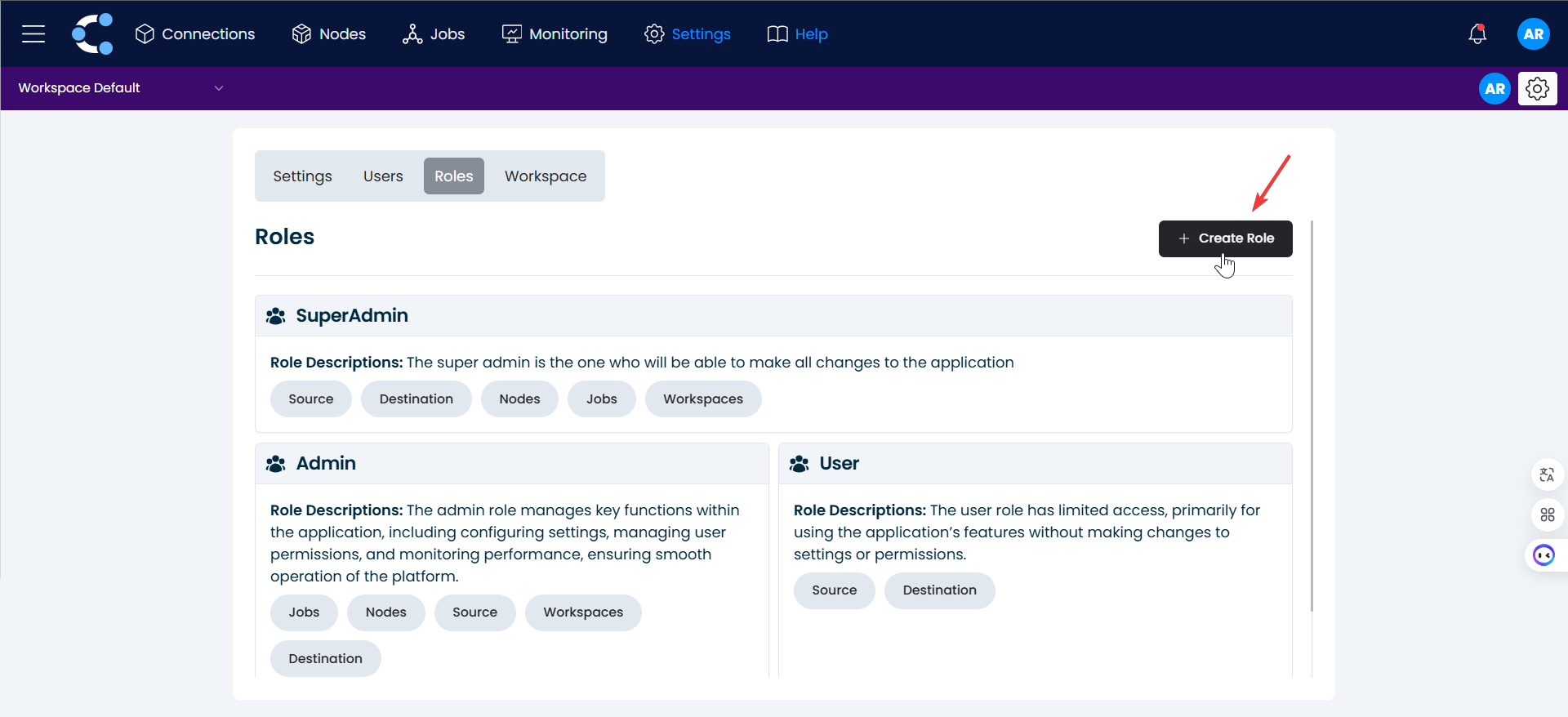
1. Create Role
Click on the "Create Role" button.
2. Naming
Enter the name and description of the new role.

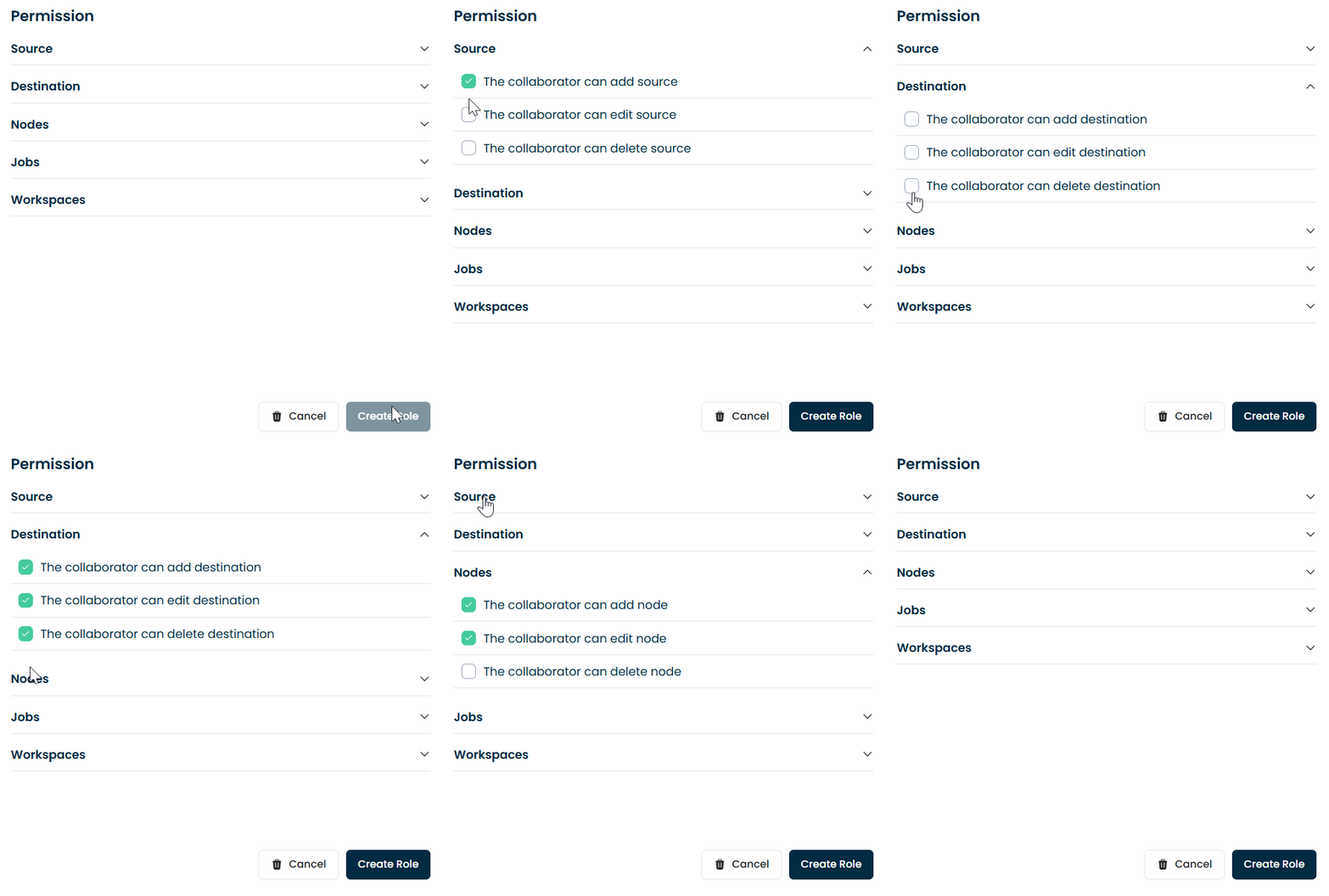
3. Assigning permissions
In the permissions section, select the functions you want the role to have.
4. Done
Click on "Create Role".
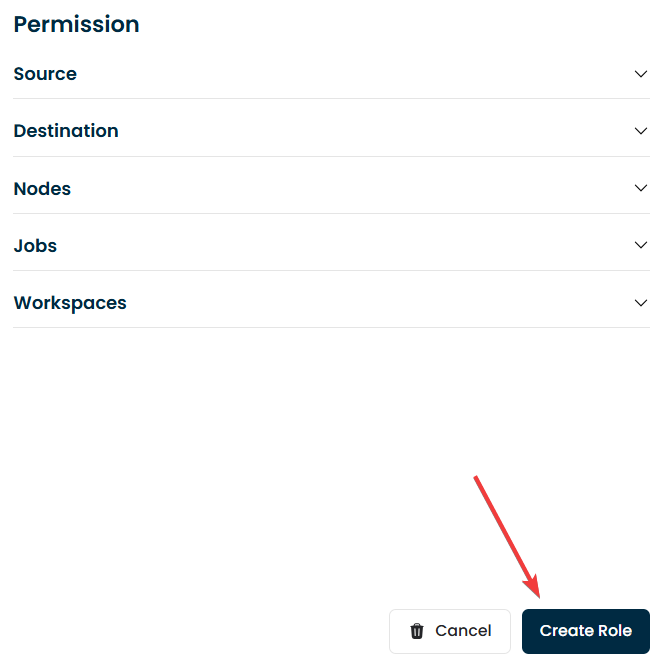
And that's it! The role has been successfully created.
Roles
- Superadministrator: full access to every workspace and administrative section of the company, including licensing, users and workspaces.
- Custom roles: roles with granular permissions. Each permission enables a specific action in the interface, for example creating sources, editing nodes or viewing logs.
Typical permissions include: add/edit/delete sources and destinations, create and run nodes and jobs, view monitor and logs, and manage workspace settings.