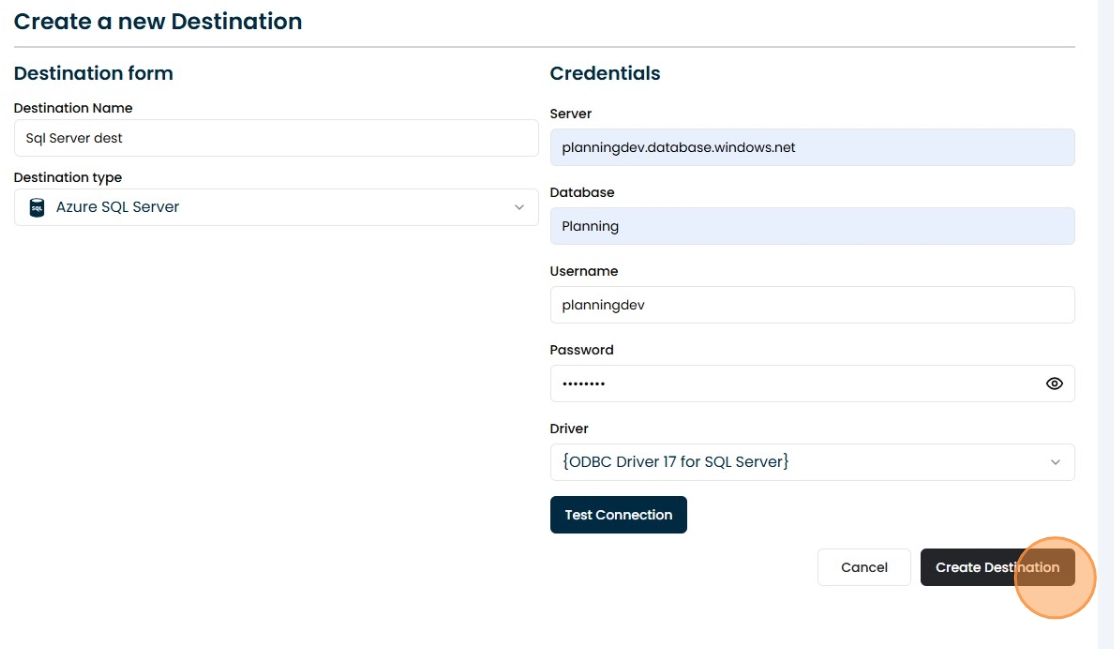
Azure SQL Server
Azure SQL Server
How to create a destination with Azure SQL Server
Setting Up a New Azure SQL server Connection
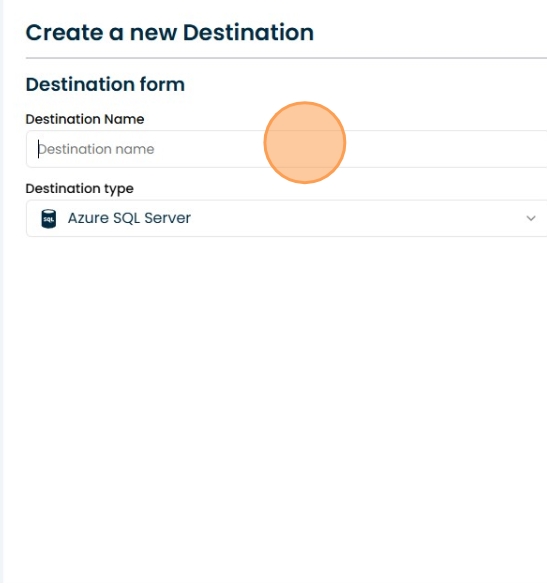
1. Naming
Give it a name to be able to identify it
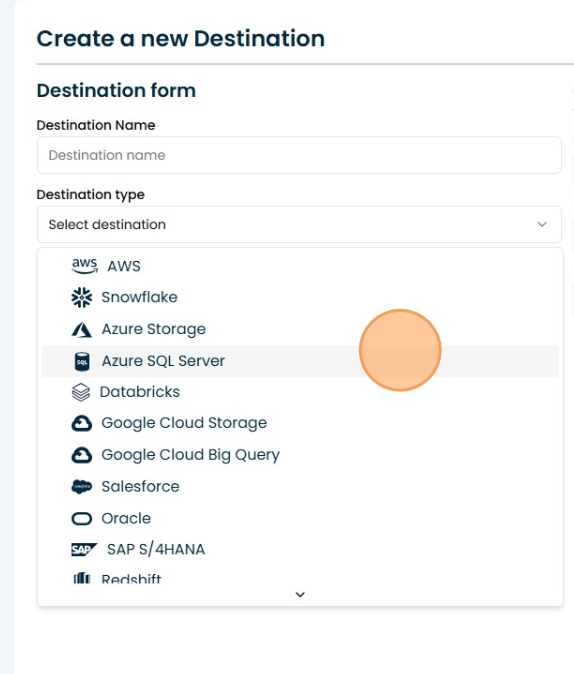
2. Select the field
Select azure SQL Sever
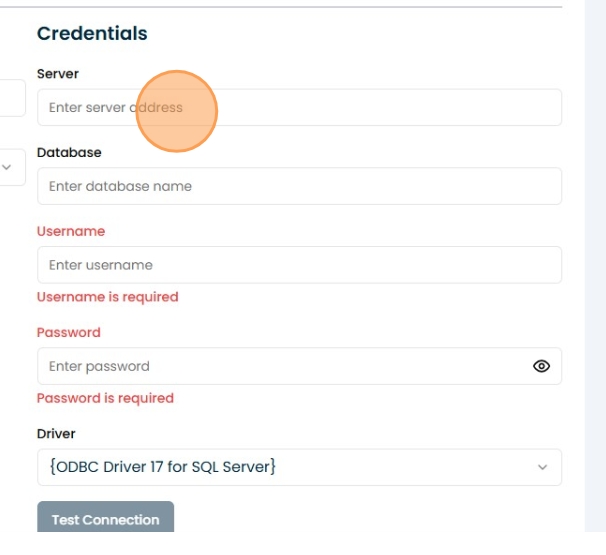
3. Enter Azure SQL server credentials:
Fill in the data with your asure SQL server credentials.
4. Click "Test Connection"
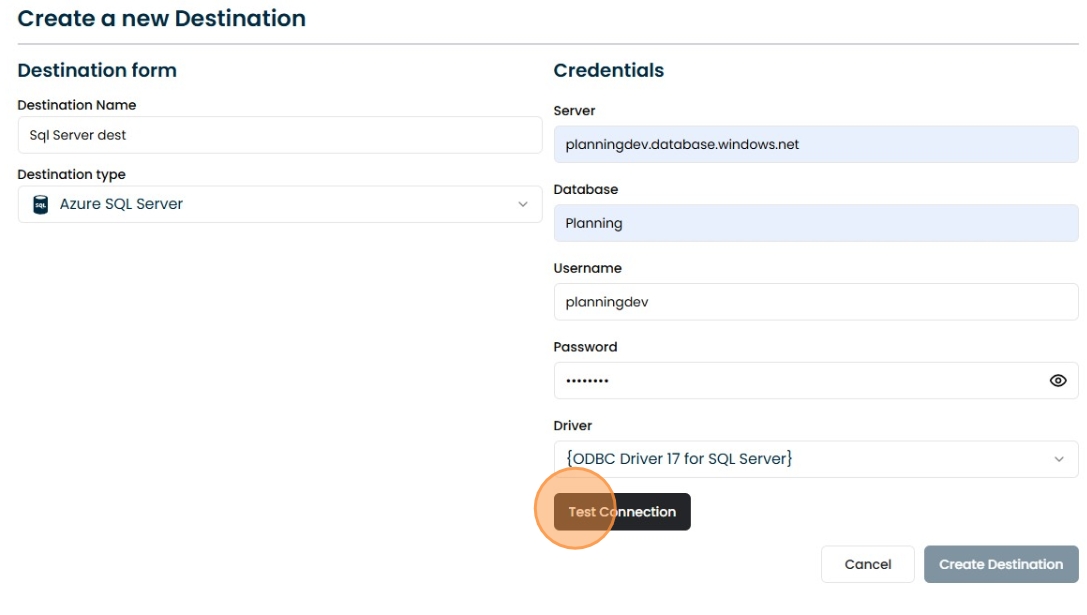
5. Create the connection
If the connection test was completed successfully, you can save this source in your connections.