SAP HANA
SAP HANA
How to create a destination with SAP HANA
Setting Up a New SAP HANA Connection
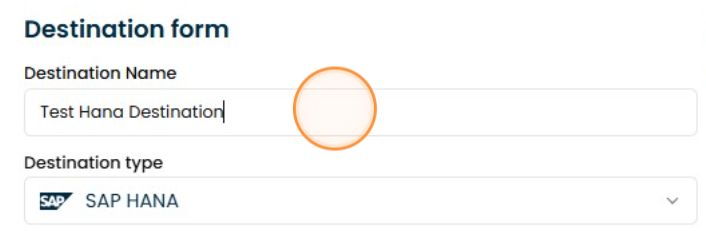
1. Naming
Give it a name to be able to identify it
2. Select the field
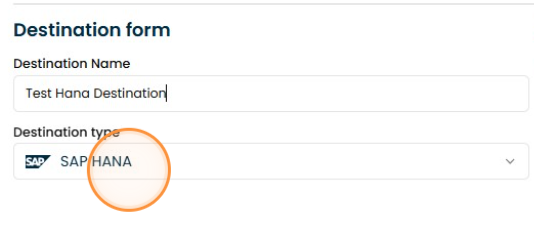
Select SAP HANA from the destination type dropdown menu.
3. Enter SAP HANA credentials:
Fill in the data with your SAP HANA credentials.
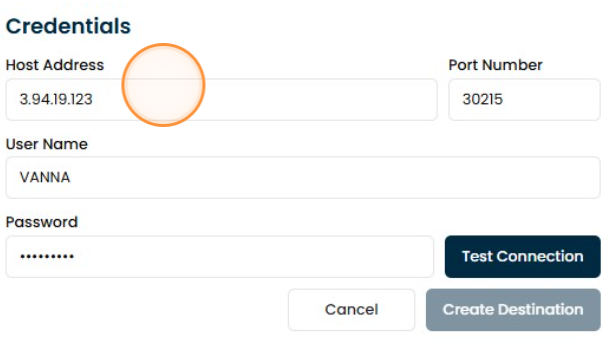
4. Click "Test Connection"
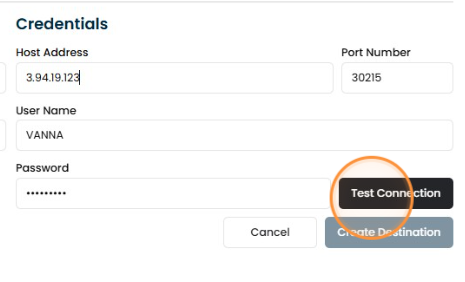
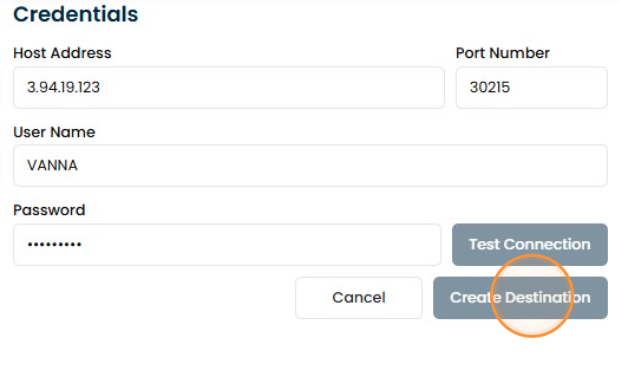
5. Create the connection
If the connection test was completed successfully, you can save this destination in your connections.